

Support me on – https://www.patreon.com/Ashif
Support me on – paypal.me/9953280644
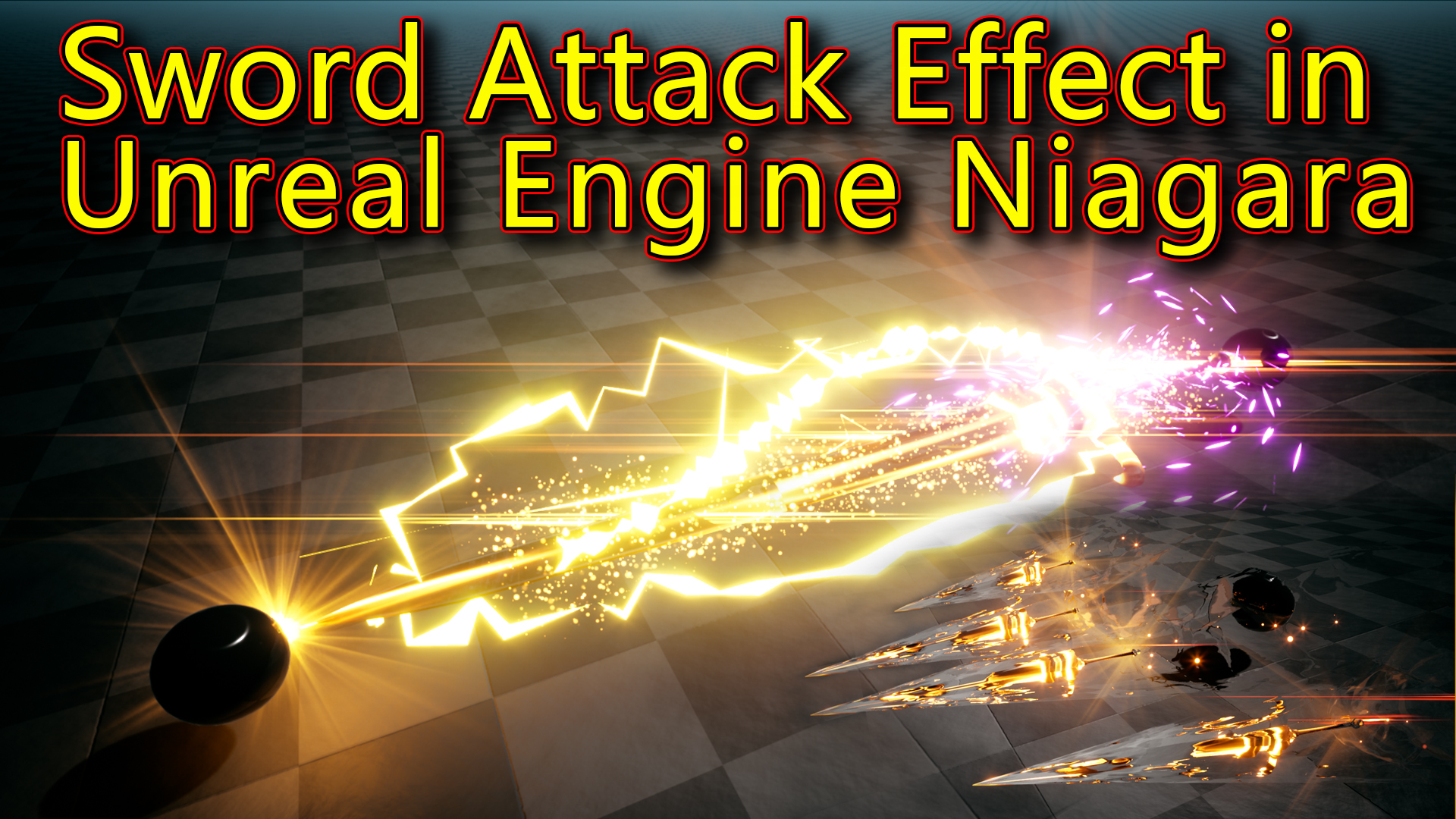
Hi, guys today I have created this sword attack effect in unreal engine Niagara. I will describe each and every element of how I created all materials mesh and textures in this effect.
#cghow #RealtimeVFX #UE4Niagara #gamefx #ue4vfx #ue4fx #niagara #unrealengineniagara #unrealenginevfxtutorials
●Upload Your Tutorials/Work – https://cghow.com/
Purchase Effect Package From Unreal engine Marketplace –
Unreal Engine Niagara Effects in Marketplace – https://youtu.be/DF4Lb_btEus
Niagara Effects Pack in Marketplace – https://youtu.be/g6_k8T7FqHA
Unreal Engine Advanced Magical Effects in Marketplace – https://youtu.be/0Dn3GLIzhMo
Smoke in UE4 Niagara Pack01 in Unreal Engine Marketplace – https://youtu.be/38BPA_9yqJ8
UE4 Niagara Fire Pack 01 in Marketplace – https://youtu.be/PW5FL-zZoP4
UE4 Niagara Fire Pack 02 in Marketplace – https://youtu.be/fdLXPlUEzxM
UE4 Niagara Explosions Pack 02 in Marketplace – https://youtu.be/dj-XX9he4aE
Unreal Engine Niagara Effects Pack 03 in Marketplace – https://youtu.be/0kKon43I-Og
Slow Motion Explosion in UE4 Niagara Pack 04 in Marketplace – https://youtu.be/lUK1eW5zRP0
Unreal Engine Niagara Effects pack 04 in Marketplace – https://youtu.be/MihWYB31Gi4
Slow Motion Explosion in UE4 Niagara Pack 04 in Marketplace – https://youtu.be/lUK1eW5zRP0
UE4.25 Niagara Effects Pack 05 in Marketplace – https://youtu.be/sn1HIENVTDI
UE4.25 Niagara Effects Pack 06 in Marketplace – https://youtu.be/pvH_xGQ5jvs
Explosions Package in Unreal Engine Niagara Particle System – https://youtu.be/1mbqWscjUJ4
●Follow FB Page – https://www.facebook.com/cghow0/
●Join FB Group – https://www.facebook.com/groups/cghow/
●Android App – http://bit.ly/2XUnhoR
Playlists-
●Unreal Engine Niagara Tutorials – http://bit.ly/2SmPEuT
●Unreal engine VFX Tutorials -http://bit.ly/2JNXyJZ
●Unity VFX Tutorials – http://bit.ly/2XNGlKz


Title: Creating a Dynamic Sword Attack Effect with Niagara in Unreal Engine
Video Description:
In today’s tutorial, I’ll guide you through the process of creating a sword attack effect in Unreal Engine using the powerful Niagara system. This effect includes both small and large swords, along with accompanying effects like flares, sparks, and a lightning strike, all brought together with a smooth dissolve effect. I’ll explain how I used various techniques to create the dynamic elements in the effect.
Key Points Covered:
- Sword Particle System: Learn how to create a sword that appears with a dissolve effect, including rotation and emissive materials for the shine.
- Material Setup: How I used multiple noise textures and dynamic parameters to achieve a glowing, dissolving sword effect with purple edges.
- Flare and Sparks: Creating additional effects like flares and rotating sparks that add impact to the sword.
- Shield and Flash Effects: How I added a shield and flash at the tip of the sword to enhance the attack animation.
- Lightning Effect: Using ribbon particles and random movements to simulate a lightning strike effect in combination with the sword attack.
- Blueprint and Timing: Understanding how to control the particle system timing with delays for better synchronization.
Trendy Tags:
- Unreal Engine VFX
- Niagara Effects
- Sword Attack VFX
- Unreal Engine Tutorial
- VFX for Games
- Unreal Engine Particles
- Gaming VFX Tutorial
- Game FX
- Unreal Engine 5
Notes:
- Be sure to subscribe to my channel and click on the bell icon for more tutorials like this.
- I’ve included the breakdown of both the small sword and large sword setups, as well as the associated particle systems. The techniques covered are applicable to any dynamic weapon-based effect you wish to create in Unreal Engine.
- For more advanced tutorials on particle effects, make sure to check out my other videos on creating effects with Niagara!
Leave a Reply