

Download – https://www.patreon.com/posts/75625438
Patreon- https://www.patreon.com/Ashif
NFT – https://opensea.io/CGHOW
Twitter – https://twitter.com/cghow_
👉👉 If you Liked it – http://bit.ly/2UZmiZ4
Channel Ashif – http://bit.ly/3aYaniw
Support me on – paypal.me/9953280644
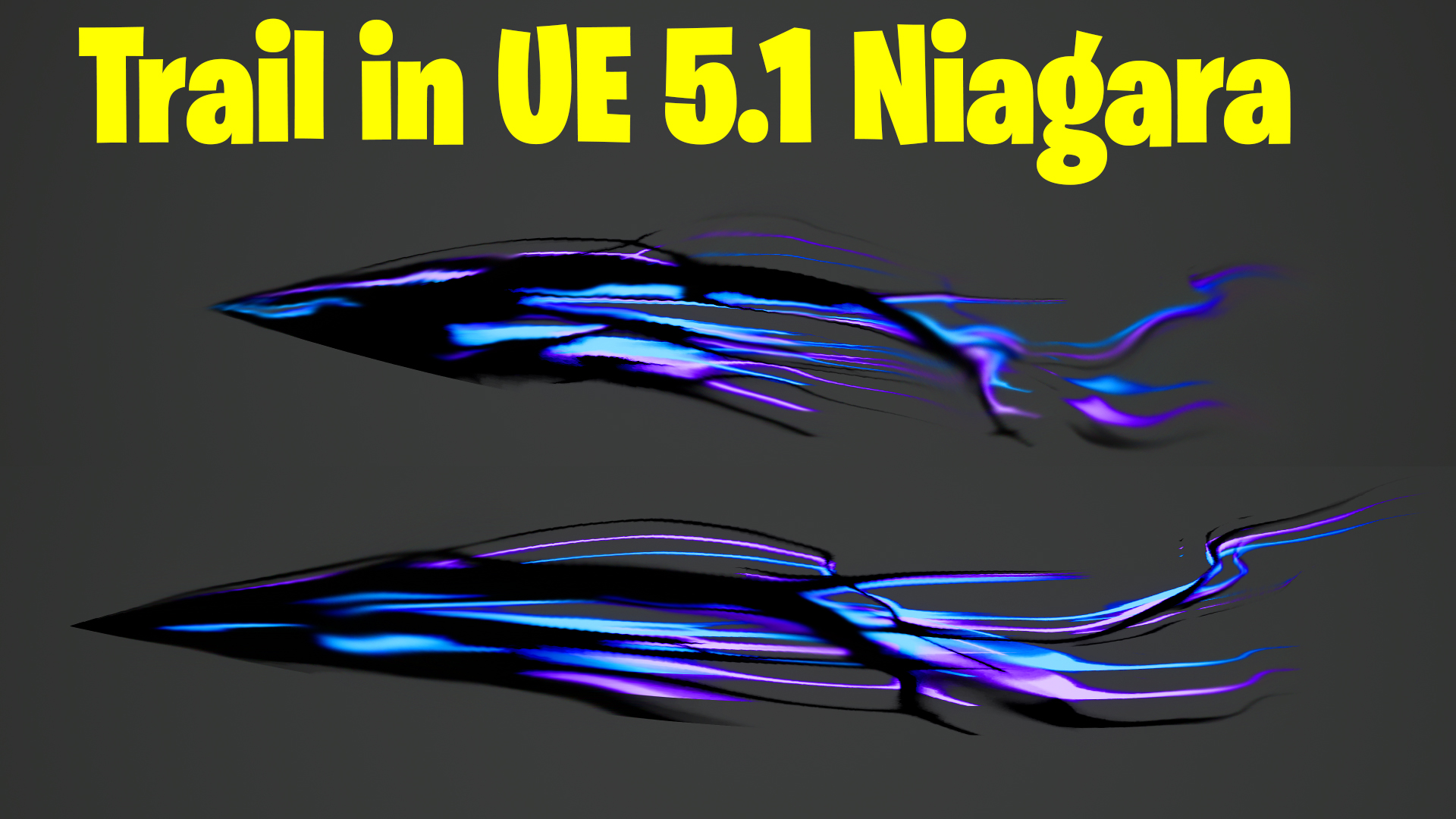
Trail in Unreal Engine 5.1 Niagara Tutorial | Download Files
#cghow #UE5 #UE4Niagara #gamefx #ue5niagara #ue4vfx #niagara #unrealengineniagara #realtimevfx
●Visit – https://cghow.com/
Unreal Engine Marketplace – https://bit.ly/3aojvAa
Artstation Store – https://www.artstation.com/ashif/store
Gumroad – https://cghow.gumroad.com/
Description:
In this tutorial, Ashif Ali walks through creating a cool trail effect in Unreal Engine 5.1 Niagara from scratch. He also explains how to design a custom texture for the trail in Photoshop, providing detailed insights on creating tileable textures for use in Unreal Engine. Ashif demonstrates how to work with materials, adjust trail speeds, and add distortion effects, providing valuable tips for VFX artists using Unreal Engine.
Key Points:
- Creating the Texture in Photoshop:
Ashif explains how to design a trail texture in Photoshop, covering techniques like using random lines, adjusting flow, applying the smudge tool, and creating a tileable pattern. - Importing the Texture into Unreal Engine:
Once the texture is ready, Ashif imports it into Unreal Engine, where he creates a material that makes the texture loop seamlessly. He also adjusts parameters like speed and direction. - Enhancing the Trail Effect with Gradients and Noise:
Ashif adds a gradient to blend the texture smoothly and incorporates noise to distort the trail, demonstrating how to control the amount of distortion through parameters. - Customizing the Trail with Parameters:
He shows how to control the effect’s behavior with parameters like opacity, color, and power, allowing for further customization of the trail’s appearance. - Using the Effect in Niagara’s Ribbon Emitter:
The trail effect is applied to a Niagara ribbon emitter, and Ashif demonstrates how to adjust particle color and ribbon width to achieve the desired visual result.
Trendy Tags: #UnrealEngine #NiagaraVFX #TrailEffect #PhotoshopTexture #VFXTutorial #UnrealEngine5 #GameDev #ParticleEffects #UE5
Additional Notes:
- This tutorial is ideal for those looking to enhance their Unreal Engine VFX skills, specifically in creating dynamic trail effects and working with materials in UE5.
- The video also provides a great example of how to integrate Photoshop and Unreal Engine for seamless asset creation and implementation.
Leave a Reply