

Download – https://www.patreon.com/posts/73405771
Patreon- https://www.patreon.com/Ashif
NFT – https://opensea.io/CGHOW
Twitter – https://twitter.com/cghow_
👉👉 If you Liked it – http://bit.ly/2UZmiZ4
Channel Ashif – http://bit.ly/3aYaniw
Support me on – paypal.me/9953280644
Twist With Rotate about axis in UE5 Niagara Tutorial | Download Files
#cghow #UE5 #UE4Niagara #gamefx #ue5niagara #ue4vfx #niagara #unrealengineniagara #realtimevfx
●Visit – https://cghow.com/
Unreal Engine Marketplace – https://bit.ly/3aojvAa
Artstation Store – https://www.artstation.com/ashif/store
Gumroad – https://cghow.gumroad.com/
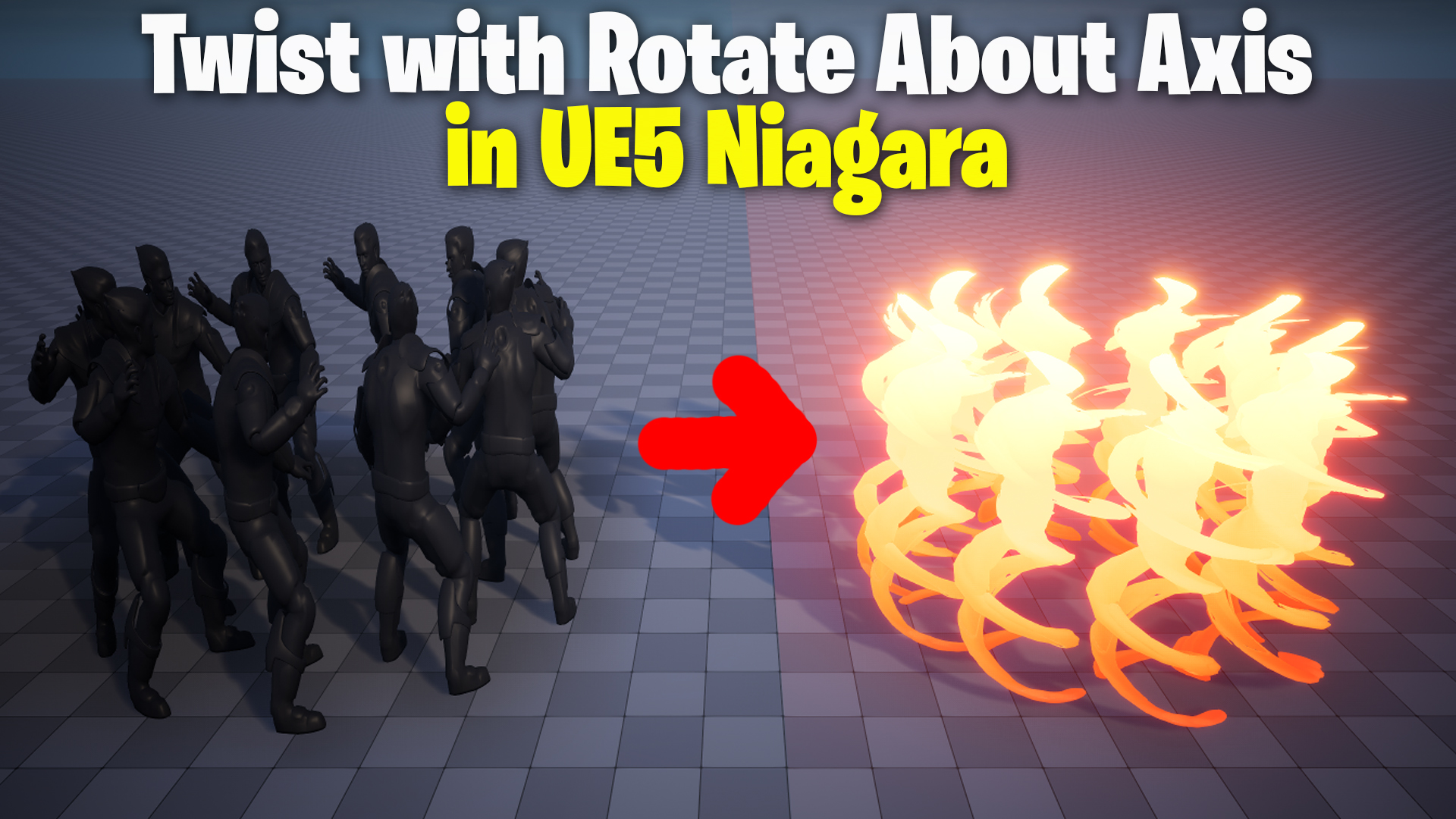
How to Create a Basic Twisting Effect Using Rotate About Axis in Niagara (UE5)
In this tutorial, we’ll learn how to create a basic twisting effect using the Rotate About Axis function in a material. This technique can be applied to various particle effects in Niagara to create dynamic and eye-catching visuals. Let’s dive into the steps!
Key Points:
- Creating the Niagara System: Start by creating a new Niagara system and adding a burst emitter that spawns 10 particles. Replace the sprite renderer with a mesh renderer and adjust the particle size for a better fit.
- Adjusting Particle Distribution: Use the shape renderer with a Taurus shape and set the distribution method to direct, so particles are distributed evenly. Use the execution index for the U-axis to ensure they are spaced correctly.
- Mesh Orientation: Ensure the particles are oriented towards the center by using the initial mesh orientation module with the Orient Vector option.
- Applying Rotation in Material: Create a material that uses the Rotate About Axis node. Connect the world position and pivot, and use time to animate the rotation. This will rotate the mesh on a specific axis.
- Bending Particles: To bend the particles, use a texture coordinate to extract the Z-axis gradient and apply it to control the bending amount. Adjust the bend value dynamically to achieve the desired effect.
- Local Axis Rotation: For each particle to rotate on its own axis, use the Transform Vector node with the particle shape to world space and normalize it.
- Customizing Rotation: Add a sine function and use curves to control how much the particles bend and twist over time. This allows for randomness in the bending amount for each particle.
- Tweaking Color and Rotation: Adjust the color and power of the effect to make it more visually dynamic. The rotation can also be applied on different axes to achieve different effects, such as twisting on the Z-axis.
By following these steps, you’ll be able to create a twisting particle effect that can be customized and applied to various scenarios in your game or simulation. The flexibility of this method allows for creative effects like rotating meshes and bending particles based on their position or time.
Tags:
- #UnrealEngine5
- #Niagara
- #VFX
- #ParticleSystems
- #TwistingEffect
- #RotateAboutAxis
- #NiagaraTutorial
- #UE5Material
- #GameDevelopment
Additional Notes:
- The Rotate About Axis technique is especially useful for creating dynamic effects that require particles to rotate or twist around a specific point or axis. It can be applied to anything from character animations to environmental effects like fire or smoke.
- To make this effect even more visually interesting, consider adding additional forces or noise to the particles after the rotation to simulate wind or turbulence.
- Always test the effect in various scenarios to ensure it behaves as expected when integrated into larger systems or environments.
Leave a Reply