
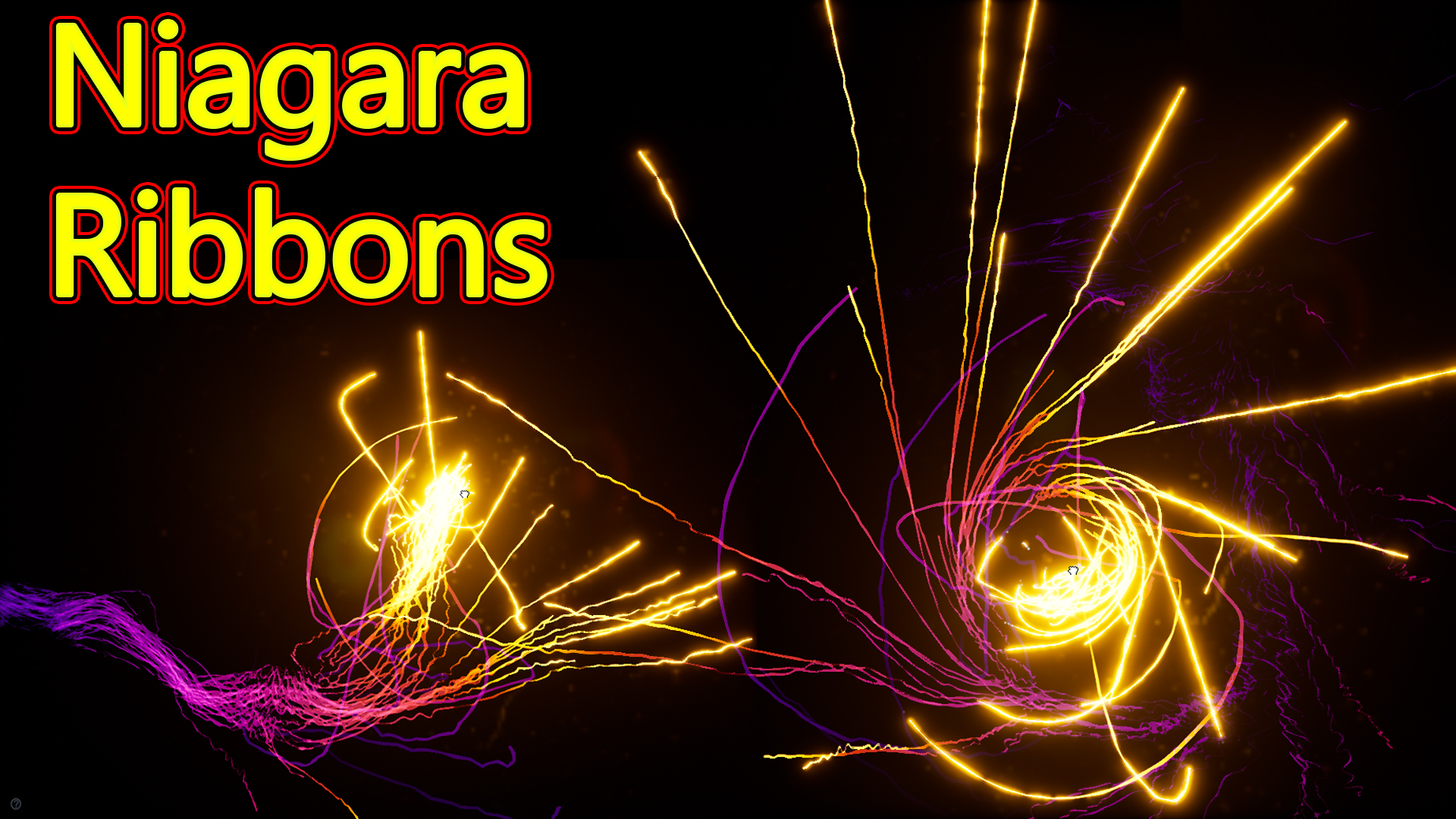

In this tutorial you will learn how to create Ribbons Effect in unreal engine.mesh and emitters. For any concern comment below the video or create help thread in CGHOW form (discussion & help forum link below)
#cghow #unrealengine #gamevfx #gamefx #ue4vfx #ue4fx #niagara #unrealengineniagara #unrealenginevfxtutorials
●Upload Your Tutorials/Work – https://cghow.com/
…………………………………………………………………………………………………………
Purchase Effect Package From Unreal engine Marketplace –
●Niagara Effects Pack – http://bit.ly/2LWgZTx
●Advanced Magical FX – http://bit.ly/2XQYyXL
……………………………………………………………………………………………………………………………………
●Patreon – https://www.patreon.com/Ashif
……………………………………………………………………………………………………………………………………
●Follow FB Page – https://www.facebook.com/cghow0/
●Join FB Group – https://www.facebook.com/groups/cghow/
……………………………………………………………………………………………………………………………………
●Android App – http://bit.ly/2XUnhoR
……………………………………………………………………………………………………………………………………
Playlists-
●Unreal Engine Niagara Tutorials – http://bit.ly/2SmPEuT
●Unreal engine VFX Tutorials -http://bit.ly/2JNXyJZ
●Unity VFX Tutorials – http://bit.ly/2XNGlKz
……………………………………………………………………………………………………………………………………
●Discussion & Help Forum – http://bit.ly/2Lo0Er7
……………………………………………………………………………………………………………………………………


Description: In this tutorial, I demonstrate how to create a visually appealing ribbon effect using Niagara in Unreal Engine. This effect uses ribbon particles that follow a moving source, with trails that smoothly respond to movement and inherit velocity. The final effect includes color shifts, post-processing for glow, and optional dirt mask for enhanced visual appeal.
Key Points:
- Ribbon Trails Setup: The effect is based on two ribbon sources, each spawning particles that follow a central point attractor, creating a fluid and dynamic ribbon trail.
- Movement Response: Particles inherit velocity, creating a spread effect when the source is moved quickly. Adjusting parameters like inherit velocity and curl noise affects trail fluidity.
- Post-Processing Enhancements: Added bloom effect using convolution mode for a layered glow, and an optional dirt mask to create subtle screen dust marks.
- Customizable Appearance: Parameters like color, width, curl noise, and attractor strength can be adjusted to create unique ribbon effects, making it versatile for different visual styles.
Tags: #Niagara #UnrealEngine #VFX #RibbonEffect #ParticleTrails #GameVFX #ParticleSystem
Leave a Reply