

Download – https://www.patreon.com/posts/59190577
👉👉 If you Liked it – http://bit.ly/2UZmiZ4
Channel Ashif – http://bit.ly/3aYaniw
Support me on – https://www.patreon.com/Ashif
Support me on – paypal.me/9953280644
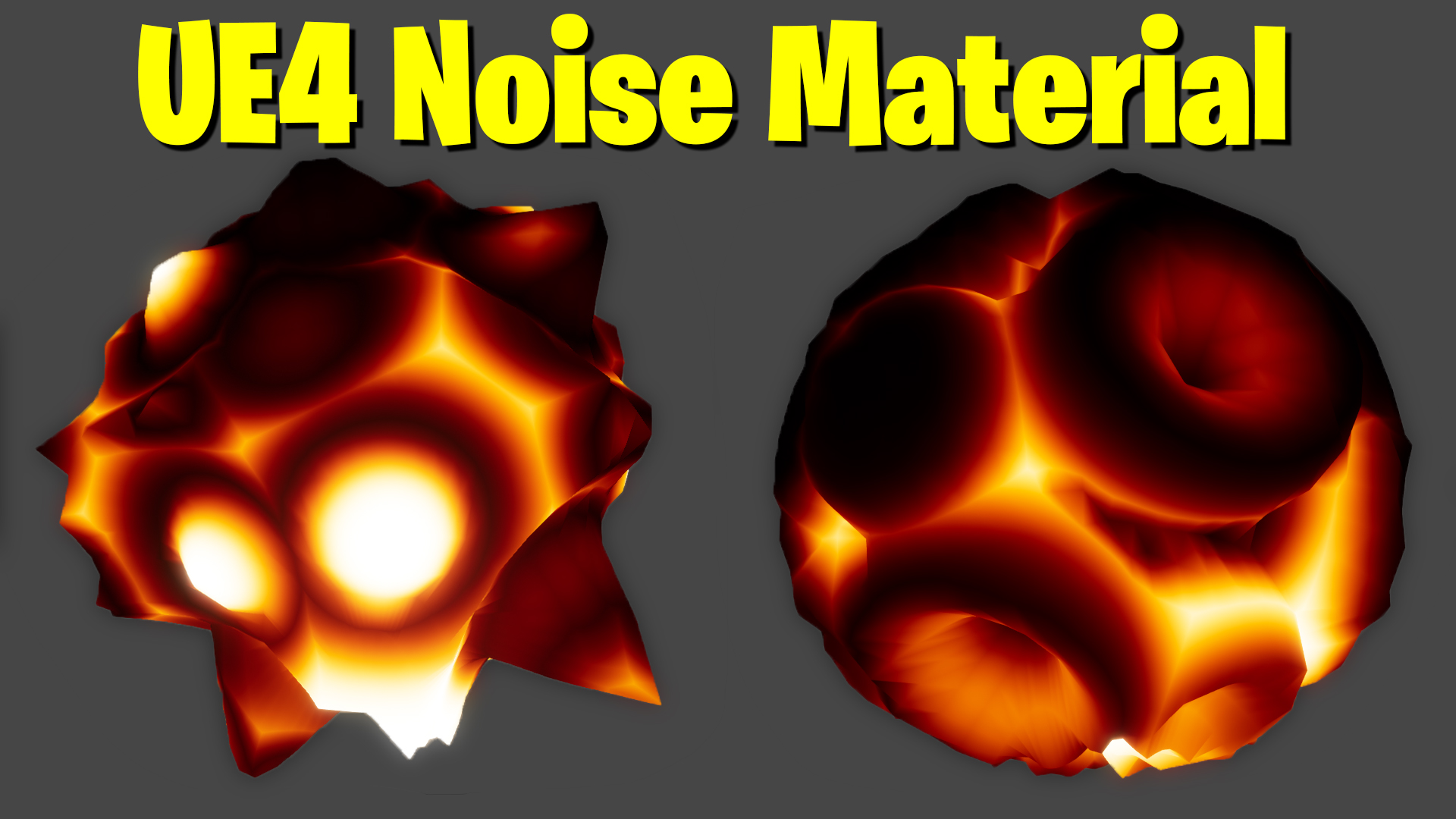
UE4 Noise Material Tutorial | Download Files
hi, in this tutorial I will show you how to make cool effects in the material using an inbuilt noise node and some basic maths.
#cghow #UE5 #UE4Niagara #gamefx #ue5niagara #ue4vfx #niagara #unrealengineniagara #realtimevfx
●Upload Your Tutorials/Work – https://cghow.com/
Purchase Effect Package From Unreal engine Marketplace –
Unreal Engine Niagara Effects in Marketplace – https://youtu.be/DF4Lb_btEus
Niagara Effects Pack in Marketplace – https://youtu.be/g6_k8T7FqHA
Unreal Engine Advanced Magical Effects in Marketplace – https://youtu.be/0Dn3GLIzhMo
Smoke in UE4 Niagara Pack01 in Unreal Engine Marketplace – https://youtu.be/38BPA_9yqJ8
UE4 Niagara Fire Pack 01 in Marketplace – https://youtu.be/PW5FL-zZoP4
UE4 Niagara Fire Pack 02 in Marketplace – https://youtu.be/fdLXPlUEzxM
UE4 Niagara Explosions Pack 02 in Marketplace – https://youtu.be/dj-XX9he4aE
Unreal Engine Niagara Effects Pack 03 in Marketplace – https://youtu.be/0kKon43I-Og
Slow Motion Explosion in UE4 Niagara Pack 04 in Marketplace – https://youtu.be/lUK1eW5zRP0
Unreal Engine Niagara Effects pack 04 in Marketplace – https://youtu.be/MihWYB31Gi4
Slow Motion Explosion in UE4 Niagara Pack 04 in Marketplace – https://youtu.be/lUK1eW5zRP0
UE4.25 Niagara Effects Pack 05 in Marketplace – https://youtu.be/sn1HIENVTDI
UE4.25 Niagara Effects Pack 06 in Marketplace – https://youtu.be/pvH_xGQ5jvs
Explosions Package in Unreal Engine Niagara Particle System – https://youtu.be/1mbqWscjUJ4
●Follow FB Page – https://www.facebook.com/cghow0/
●Join FB Group – https://www.facebook.com/groups/cghow/
●Android App – http://bit.ly/2XUnhoR
Playlists-
●Unreal Engine Niagara Tutorials – http://bit.ly/2SmPEuT
●Unreal engine VFX Tutorials -http://bit.ly/2JNXyJZ
●Unity VFX Tutorials – http://bit.ly/2XNGlKz
Creating a Custom Material with Noise Node in Unreal Engine – Full Tutorial
Hi guys, I’m Asif Ali, and you’re watching CGI Video! In today’s tutorial, I’ll walk you through how to create a custom material using the Noise Node in Unreal Engine. This material is highly customizable, allowing you to animate, adjust the black body value, control the speed, and tweak the tiling for different patterns.
We’ll dive into the main components, including:
- Noise scaling and tiling to create varied patterns
- Adjustable parameters for smoother or sharper effects
- World Position Offset (WPO) for animation
- Exponent and Hue controls for color and masking
- Blackbody temperature to create glowing effects with color adjustment
By the end of the tutorial, you’ll have a fully customizable material where you can tweak values like:
- Speed of animation
- Hue, saturation, and temperature settings
- Control over the material’s visual appearance
I’ll demonstrate how to:
- Use a parameterized noise node for flexible tiling and noise effects
- Control the smoothness and sharpness of the effect
- Animate the material using time-based values
- Add a Fresnel effect to mask edges
- Boost the material’s visual appeal with color adjustments
Feel free to experiment with the values I show, as this approach can create endless variations of effects with different color patterns and animations!
Key Points:
- Noise Node & Tiling: Control patterns and scale
- Exponent & Hue Controls: Adjust color and intensity
- World Position Offset: Animate the material for dynamic effects
- Blackbody & Boost: Create glowing, customizable effects
If you enjoyed this tutorial, make sure to subscribe to my channel, hit the bell icon, and stay tuned for more Unreal Engine tutorials!
Trendy Tags: #UnrealEngine #VFX #CustomMaterial #NoiseNode #GameDesign #Animation #UE4 #MaterialCreation #VFXTutorial #Blackbody #Fresnel #UnrealEngineTutorial
Leave a Reply