

Download – https://www.patreon.com/posts/83840410
Patreon- https://www.patreon.com/Ashif
NFT – https://opensea.io/CGHOW
Twitter – https://twitter.com/cghow_
👉👉 If you Liked it – http://bit.ly/2UZmiZ4
Channel Ashif – http://bit.ly/3aYaniw
Support me on – paypal.me/9953280644
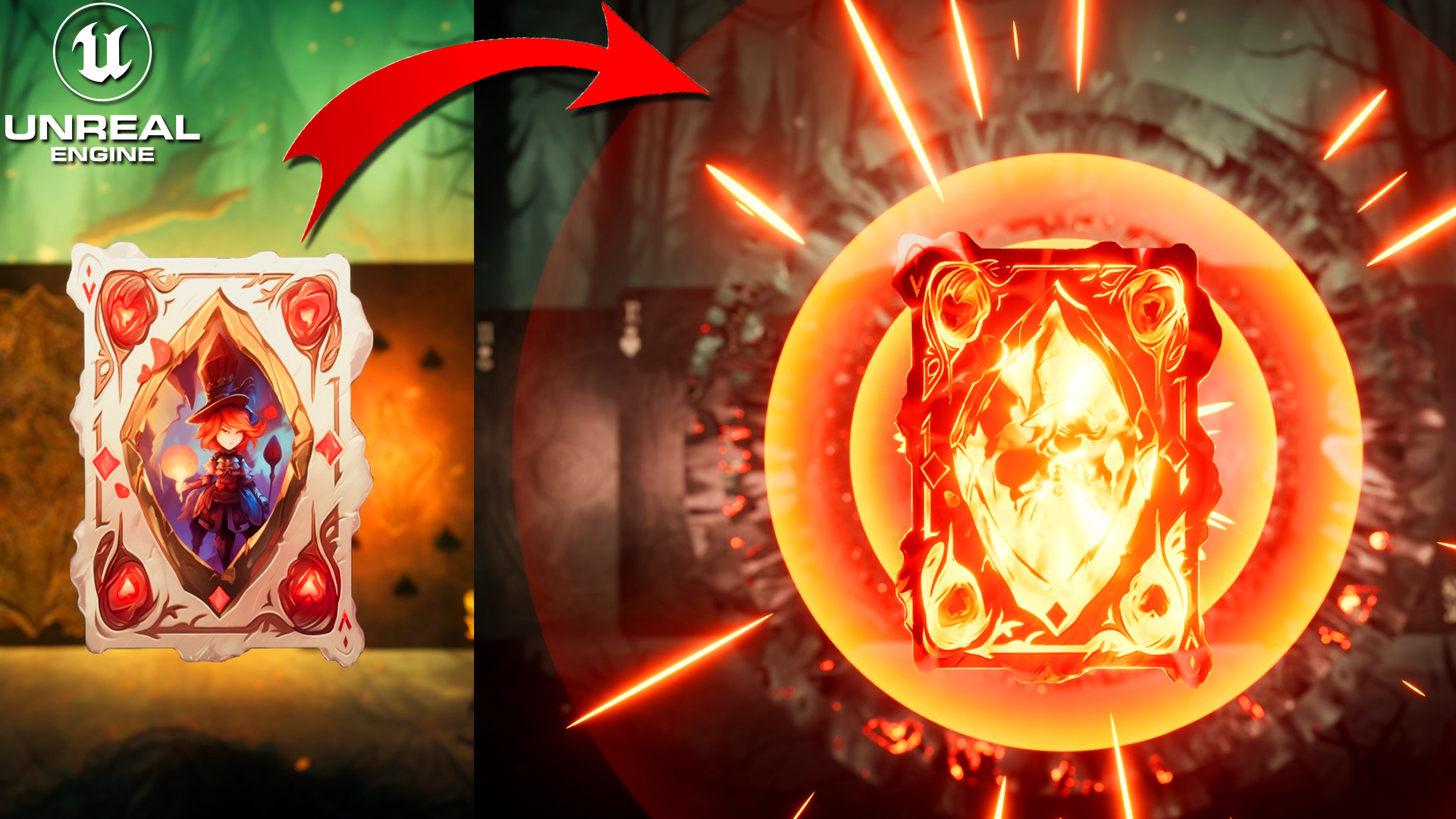
UE5 | Card FX in Unreal Engine 5.2 Niagara Tutorial | Download Files
#cghow #UE5 #UE4Niagara #gamefx #ue5niagara #ue4vfx #niagara #unrealengineniagara #realtimevfx
●Visit – https://cghow.com/
Unreal Engine Marketplace – https://bit.ly/3aojvAa
Artstation Store – https://www.artstation.com/ashif/store
Gumroad – https://cghow.gumroad.com/
Hi guys, I’m Ashif Ali, and welcome to another series of tutorials on CGHOW!
In today’s video, we’ll be creating a Burning Card Effect in Unreal Engine. I’ll walk you through the entire process from setting up the card material to animating the fire effect, and adding a shockwave. This is a fun and creative way to make your card effects burn and give your project a dynamic visual appeal!
Let’s dive into it!
Step-by-Step Tutorial:
- Set Up Your Scene
- Add a card background and a camera setup in the sequencer.
- Use a static mesh plane with a simple material to display the card texture (with alpha cutout).
- Create the Material for the Card
- Apply the card texture with a simple multiply operation to introduce fire effects.
- Use color blending and texture manipulation to create the illusion of fire.
- Niagara Setup for Card Animation
- Create a Niagara system to control the card’s movement and lifecycle.
- Use custom alignment and facing for accurate positioning and animation.
- Animate the card’s location, making it hit a point with keyframes.
- Add Fire and Shockwave Effects
- Implement the fire effect by adjusting the alpha value and using noise textures for dynamic burning.
- Add a shockwave effect using a ring texture and animate the expansion over time.
- Reflections and Background Impact
- Create a reflection effect on the background with refraction, adjusting the material parameters to simulate a shockwave effect.
- Animate the background’s saturation to transition into a black-and-white mode when the card hits.
- Additional Elements
- Add spark and ember effects around the card to enhance the fire effect.
- Tweak particle sizes, velocities, and colors for a more realistic visual.
Tips & Tricks:
- Material Tweaks: Play around with different color blending and texture manipulation for various fire intensities.
- Niagara Animation: You can easily fine-tune your card’s position with curve editor for smooth transitions.
- Shockwave: Adjust particle size and speed to get the perfect explosion effect.
Don’t Forget
- Like and Subscribe to CGHOW for more Unreal Engine tutorials.
- Hit the Bell Icon to get notifications for new videos!
End Note: That’s it for today’s tutorial! I hope you enjoyed learning how to create a Burning Card Effect in Unreal Engine. There’s always room to improve and add more details, so keep experimenting! Thanks for watching, and keep learning!
Key Points:
- Setup basic scene and card material
- Use Niagara for card animation
- Fire and shockwave effects
- Add reflection and background interaction
- Embers and sparks for added realism
Trendy Tags: Unreal Engine, Niagara VFX, Burning Card Effect, Fire Effect, Shockwave, Particle Animation, VFX Tutorial, Unreal Engine 5.
Leave a Reply