

Download – https://www.patreon.com/posts/83662075
Patreon- https://www.patreon.com/Ashif
NFT – https://opensea.io/CGHOW
Twitter – https://twitter.com/cghow_
👉👉 If you Liked it – http://bit.ly/2UZmiZ4
Channel Ashif – http://bit.ly/3aYaniw
Support me on – paypal.me/9953280644
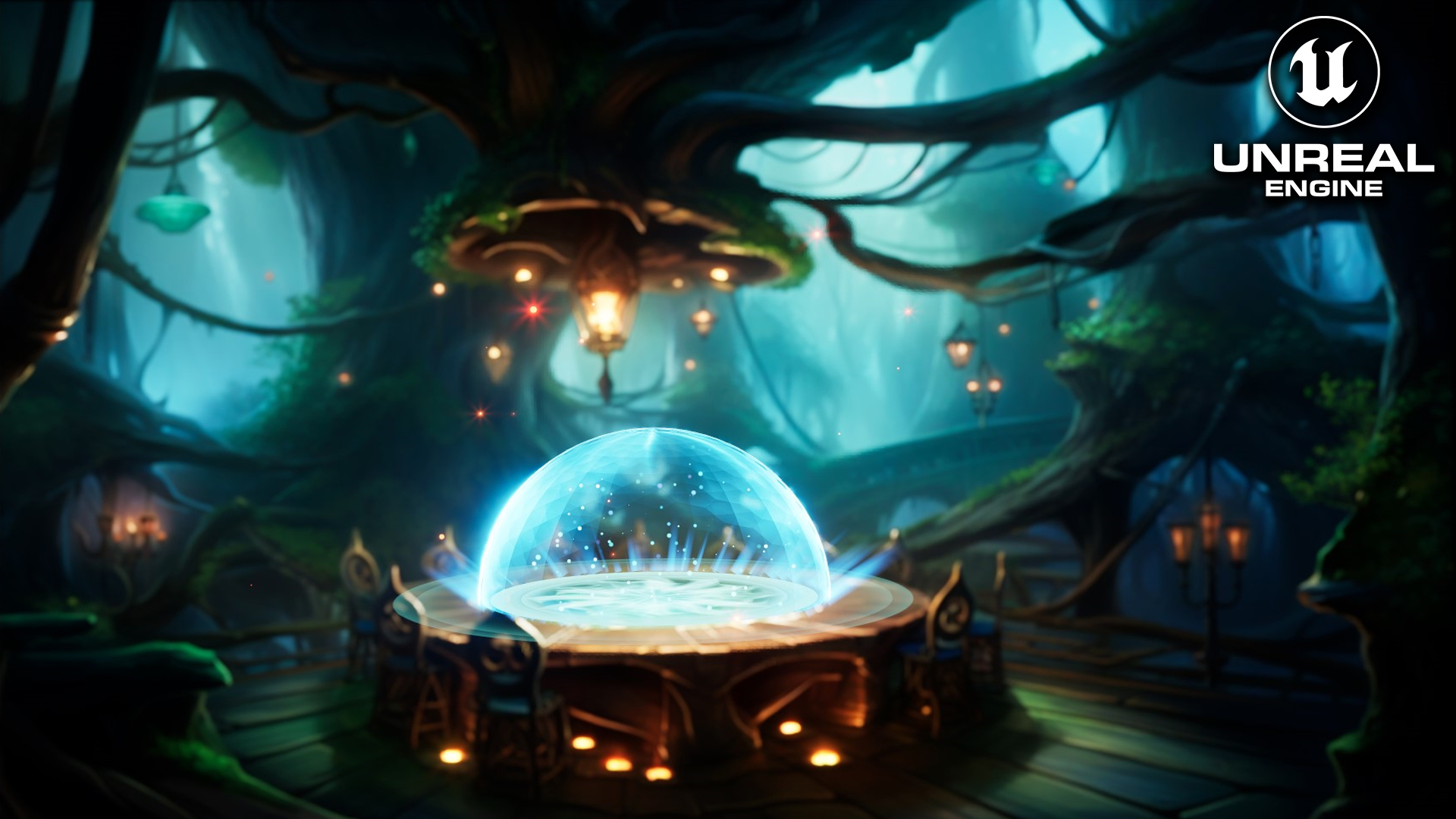
UE5 | ORB in Unreal Engine 5.2 Niagara Tutorial | Download Files
#cghow #UE5 #UE4Niagara #gamefx #ue5niagara #ue4vfx #niagara #unrealengineniagara #realtimevfx
●Visit – https://cghow.com/
Unreal Engine Marketplace – https://bit.ly/3aojvAa
Artstation Store – https://www.artstation.com/ashif/store
Gumroad – https://cghow.gumroad.com/
Tutorial Overview:
In this tutorial, Ashif Ali walks you through the process of creating a glowing animated material using Unreal Engine’s Niagara system, perfect for adding dynamic effects to your game or cinematic scenes. By the end of the video, you’ll learn how to animate textures, create emissive effects, and implement complex particle systems.
Key Steps and Concepts:
- Creating the Scene:
- Start with an empty map and apply a background texture using a plane mesh in a sequencer.
- Create a material for the background with adjustments to specular and roughness for better visual quality.
- Apply emissive properties to make parts of the texture glow, using the red channel and noise for animation.
- Material and Texture Setup:
- Adjust texture scaling based on the image’s resolution to maintain proportion.
- Set up material properties, including a 50% emissive effect and adjustments to roughness and specular for a more realistic look.
- Use the Niagara noise texture to animate emissive regions and create glowing effects with parameters.
- Particle Effects in Niagara:
- Create a single particle emitter with an infinite lifespan for a static mesh that appears in the scene.
- Use a sphere mesh, apply the emissive material, and fine-tune its appearance in the sequencer for proper alignment and scale.
- Advanced Particle Customization:
- Introduce a ring effect with particle systems and the use of the
Appendnode for custom tiling, adding layers of dynamic movement. - Add additional noise to particle movement to enhance the animation effect.
- Introduce a ring effect with particle systems and the use of the
- Adding Rays and Final Touches:
- Create rays using a mesh emitter like a torus, and adjust particle size, velocity, and alignment to achieve a glowing, radial effect.
- Customize material properties for rays and add them around the sphere to simulate energy-like effects.
- Use random rotations and noise to create variation in particle movement.
- Post-Processing and Final Adjustments:
- Enhance the scene’s visual appeal with post-process effects like lens flares and contrast adjustments.
- Adjust particle opacity to fine-tune the overall brightness and visual balance of the scene.
Final Thoughts:
By following this tutorial, you’ll have a glowing animated material and particle system for creating dynamic effects in your projects. Whether you’re building a game environment or cinematic scene, these techniques can add an extra level of detail and visual impact.
Trendy Tags:
#UnrealEngine #NiagaraVFX #GamingEffects #ParticleSystems #EmissiveMaterials #VFXTutorial #UnrealEngineTutorial #NiagaraTutorial #GameDevelopment #CGHOW
Leave a Reply