
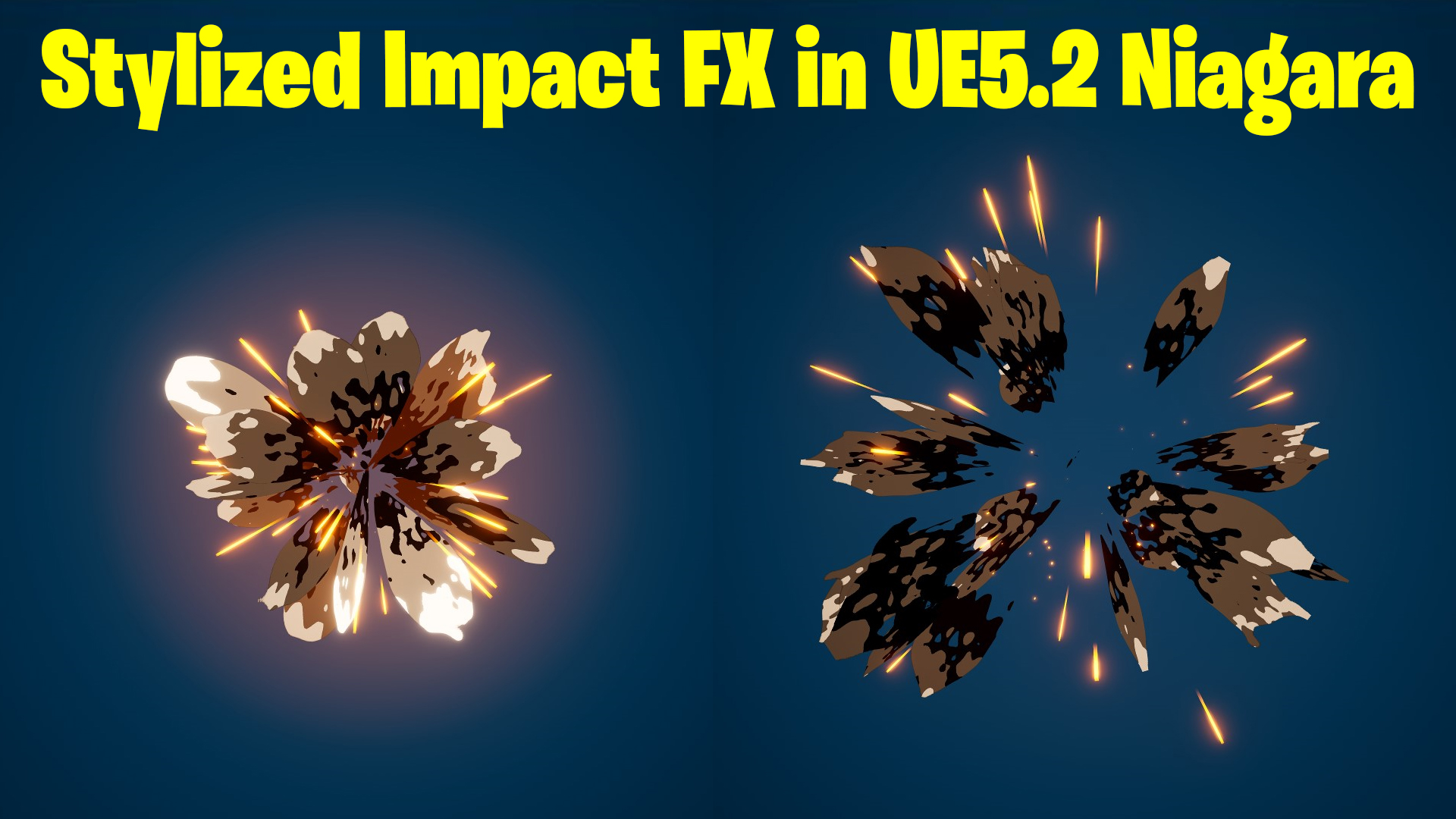

Download – https://www.patreon.com/posts/87383183
Patreon- https://www.patreon.com/Ashif
NFT – https://opensea.io/CGHOW
Twitter – https://twitter.com/cghow_
👉👉 If you Liked it – http://bit.ly/2UZmiZ4
Channel Ashif – http://bit.ly/3aYaniw
Support me on – paypal.me/9953280644
UE5 | Stylized Impact FX in Unreal Engine 5.2 Niagara Tutorial | Download Files
#cghow #UE5 #UE4Niagara #gamefx #ue5niagara #ue4vfx #niagara #unrealengineniagara #realtimevfx
●Visit – https://cghow.com/
Unreal Engine Marketplace – https://bit.ly/3aojvAa
Artstation Store – https://www.artstation.com/ashif/store
Gumroad – https://cghow.gumroad.com/
Stylized Particle Effect in Unreal Engine 5 – VFX Tutorial
Description:
Hi guys, I’m Ashif Ali, and welcome back to CGHOW! In this tutorial, I’ll walk you through creating a stylized particle effect in Unreal Engine 5 using a custom material, dynamic parameters, and noise functions. This effect can be used for various VFX like dissolving particles, projectiles, or trails. Here’s what you’ll learn:
- Creating a custom material using the Radial Exponent and Gradient for sharp and smooth effects.
- Adding dynamic distortion to particle shapes with randomization.
- Using noise and blending options to create dissolving effects.
- Adjusting size, color, and opacity dynamically with parameters for randomization in particles.
- Fine-tuning particle systems like velocity alignment and burst emitters.
By the end of this tutorial, you’ll be able to create a dynamic, customizable stylized effect for your Unreal Engine 5 projects. Don’t forget to subscribe and hit the bell icon for more VFX tutorials!
Leave a Reply