

Visit: https://cghow.com/ for more tutorials. submit your tutorial/Artwork.
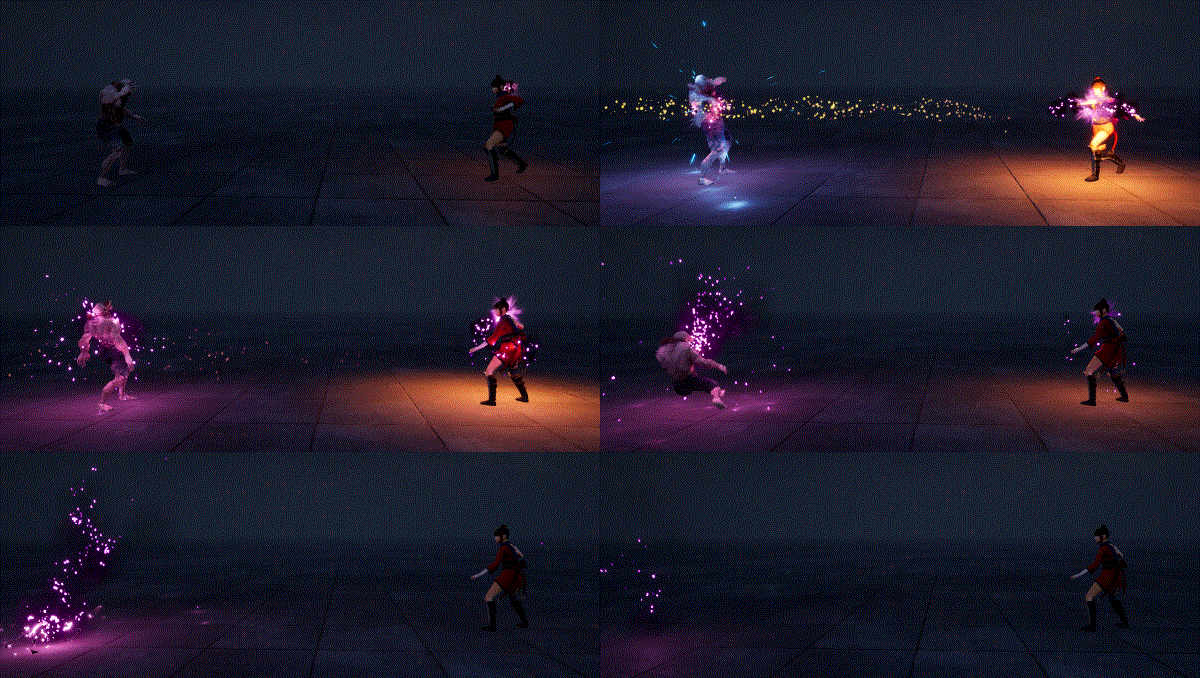
In this tutorial you will learn how to create Attack and Death Effect in Niagara in unreal engine. you will learn every step for this effect texture, materials, mesh and emitters.
#unrealenginevfxtutorials #cghow #unrealengine #gamevfx #gamefx #ue4vfx #ue4fx #niagara #unrealengineniagara
In this tutorial, we’ll dive into the world of Unreal Engine’s Niagara system to create a stunning combat effect. We’ll break down the process step-by-step, from creating the base materials to setting up the particle system and animation.
Key Points:
- Animation Integration:
- Use animation blueprints to trigger particle effects at specific points in the animation.
- Synchronize particle effects with character movement and actions.
- Material Creation:
- Create gradient textures to control the effects’ appearance.
- Use noise textures to add randomness and variation.
- Implement glow and emission effects for intensity.
- Particle System Setup:
- Create particle systems for the energy balls, impact effects, and debris.
- Set up particle spawn rates, lifetimes, and sizes.
- Add velocity, acceleration, and rotation to the particles.
- Control particle color and opacity over time.
- Animating the Effects:
- Use curves to control particle properties over time.
- Add collision events to trigger additional effects.
- Optimizing Performance:
- Use level of detail (LOD) techniques to reduce particle count.
- Optimize material and particle system settings.
- Leverage virtual texture technology for large-scale effects.
Trending Tags: #UnrealEngine #Niagara #VFX #Tutorial #GameDev #GameArt #VFXArtist #ParticleEffects #UnrealEngine5 #UE5 #VisualEffects #3DArt #GameDevelopment #CombatEffect #SpecialEffects
Additional Notes:
- Experiment with different particle systems and materials to achieve various combat effects.
- Consider using Blueprints to control the effects’ behavior dynamically.
- Optimize your particle system for performance, especially for large-scale effects.
- You can use this technique for a variety of effects, such as magic spells, weapon impacts, and explosions.
Leave a Reply