

Visit: https://cghow.com/ for more tutorials. submit your tutorial/Artwork.
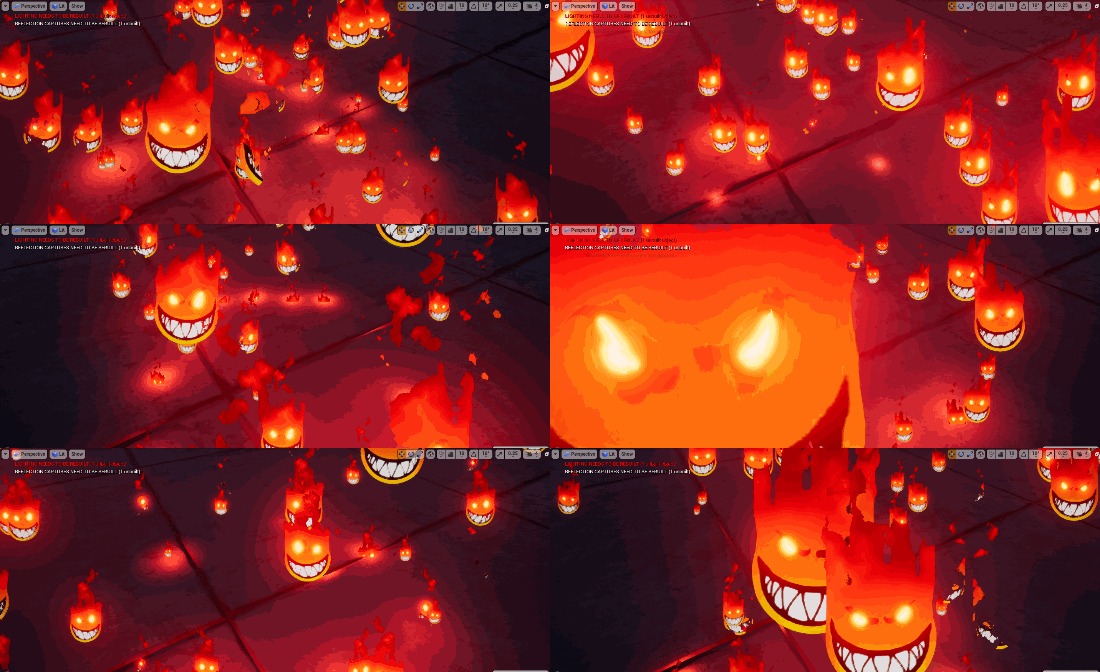
In this tutorial you will learn how to create Flame Head Material and particle in unreal engine. you will learn every step for this effect texture, materials, mesh and emitters.
#unrealenginevfxtutorials #cghow #unrealengine #gamevfx #gamefx #ue4vfx #ue4fx #niagara #unrealengineniagara
Learn how to create a Stylized Toon Flame Head effect in Unreal Engine Niagara. This tutorial shows you how to build a bright, stylized fire that sits on a character’s head — perfect for superheroes, elemental characters, fantasy villains, or any stylized fire-based character.
You will learn the complete process from texture creation to the final Niagara system.
What You’ll Learn in This Tutorial
- How to prepare a gradient texture in Photoshop for the flame
- Creating a custom toon-style fire material with emissive, UV distortion, and erosion
- Using UV masking, noise panning, and tiling controls
- Setting up dynamic parameters to erode and animate the flames
- Building the Niagara particle system with random movement and color variation
- Attaching the effect to a character’s head
Key Techniques Covered
- Gradient and alpha-masked textures for clean transparent flames
- Material setup with distortion and erosion controls
- Dynamic parameters for animating the flame look
- Particle system adjustments for movement, size, and intensity
- Stylized (toon) fire look instead of realistic simulation
This is a great tutorial if you want a clean, colorful, and game-ready flame head effect that works well in stylized projects.
Leave a Reply