

Visit: https://cghow.com/ for more tutorials. submit your tutorial/Artwork.
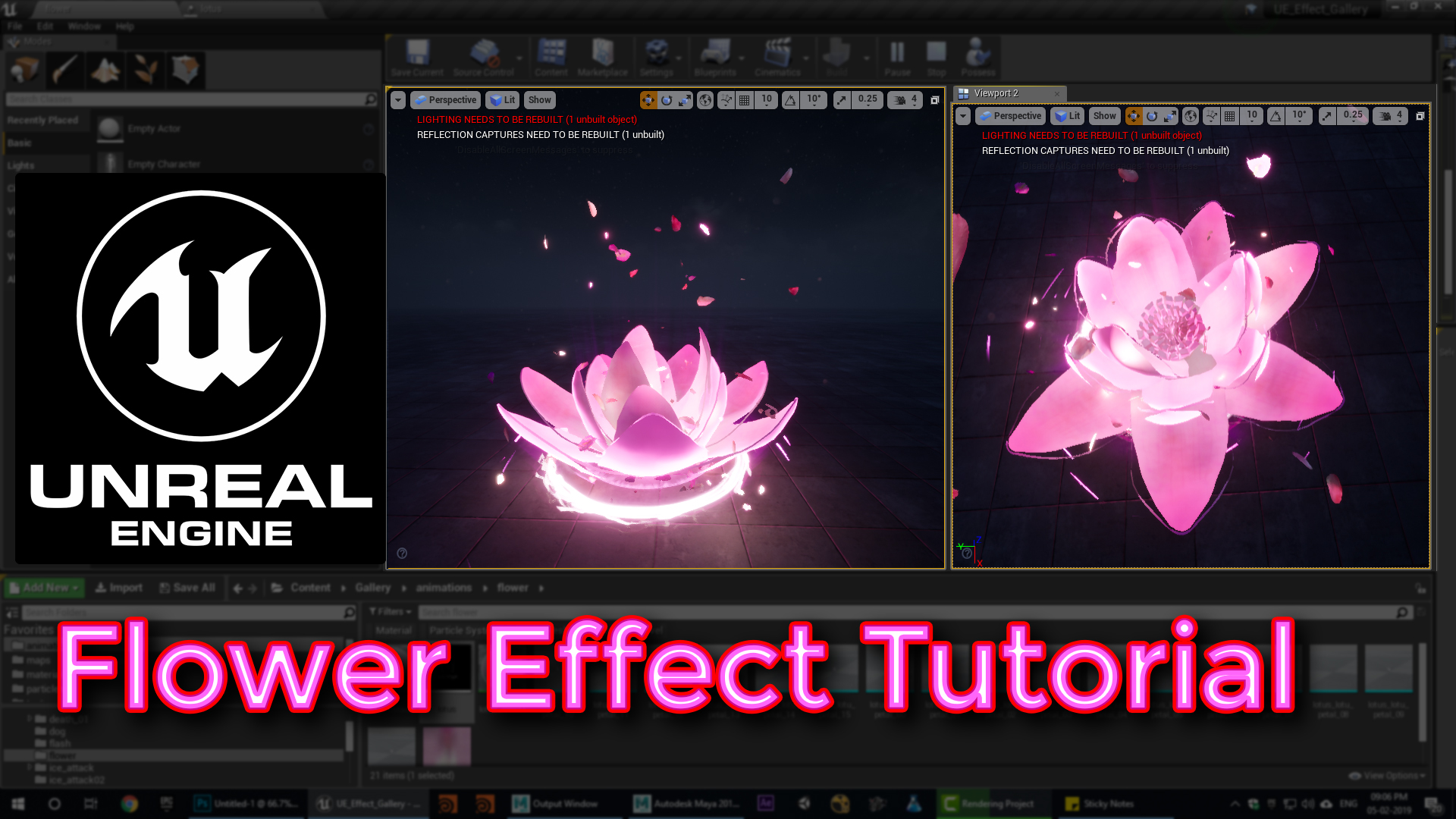
In this tutorial you will learn how to create flower effect in unreal engine. you will learn every step for this effect texture, materials, mesh and emitters.
unrealenginevfxtutorials #cghow #unrealengine #gamevfx #gamefx #ue4vfx #ue4fx
Video Description: In this tutorial, I showcase a flower effect featuring animated petals, particles, and light effects to create a mystical, blooming flower in Unreal Engine. By using separate petal meshes from Maya, I animate each one uniquely, utilizing parameters like position offset, rotation, distortion, and scaling. Additional elements like rotating sparks, trails, shockwaves, and rays enhance the magical atmosphere, creating an effect that feels lively and dynamic. The petals animate one by one, and rotating textures add depth with subtle, layered motion around the flower.
Detailed Breakdown:
- Petal Animation: Each petal, individually imported from Maya, animates through panning and position offset in the material, adding a wavy distortion for natural movement. Delays make petals appear one after another, emphasizing the blooming effect.
- Rotating Petals: Curved planes textured with petal images rotate around the flower. An orbiting setup adds a gradual motion as they scale down and fall, creating a beautiful trail.
- Dynamic Lighting: Each petal particle system includes light effects, adding highlights and glows that change as petals move, enhancing the magical effect.
- Spark Effects: Radial gradient textures stretched along their velocity give the impression of rotating sparks and streaks around the flower.
- Trail Effects: Using noise textures and distortion, the trails appear to shift and stretch as they rotate around the base, enhancing the illusion of energy flow.
- Shockwaves: Two shockwave elements add scaling rings that expand outward, creating ripples of energy radiating from the flower.
- Light Rays: Rays are shaped as conical meshes, distorted by noise textures and scaled over their lifespan to give a pulsing, spreading effect.
- Scene Assembly: When viewed as a whole, the petals, lights, trails, and shockwaves create a cohesive, dynamic flower that appears to bloom and glow with energy.
Additional Tips for This Effect:
- Experiment with Delay: Adjust delays between petals to control the timing of the bloom for either a gradual or rapid effect.
- Light Intensity Tweaks: Play with light intensity and color for petals to set the mood. Brighter lights create a magical feel, while darker hues can add mystery.
- Texture Variation: Use different petal textures for subtle uniqueness among each petal particle.
- Panning Speed: Try varying the panning speed on texture UVs to get varied wave distortion for each petal, adding realism.
Tags: #UnrealEngine #VFX #FlowerEffect #GameDev #Bloom

Leave a Reply