
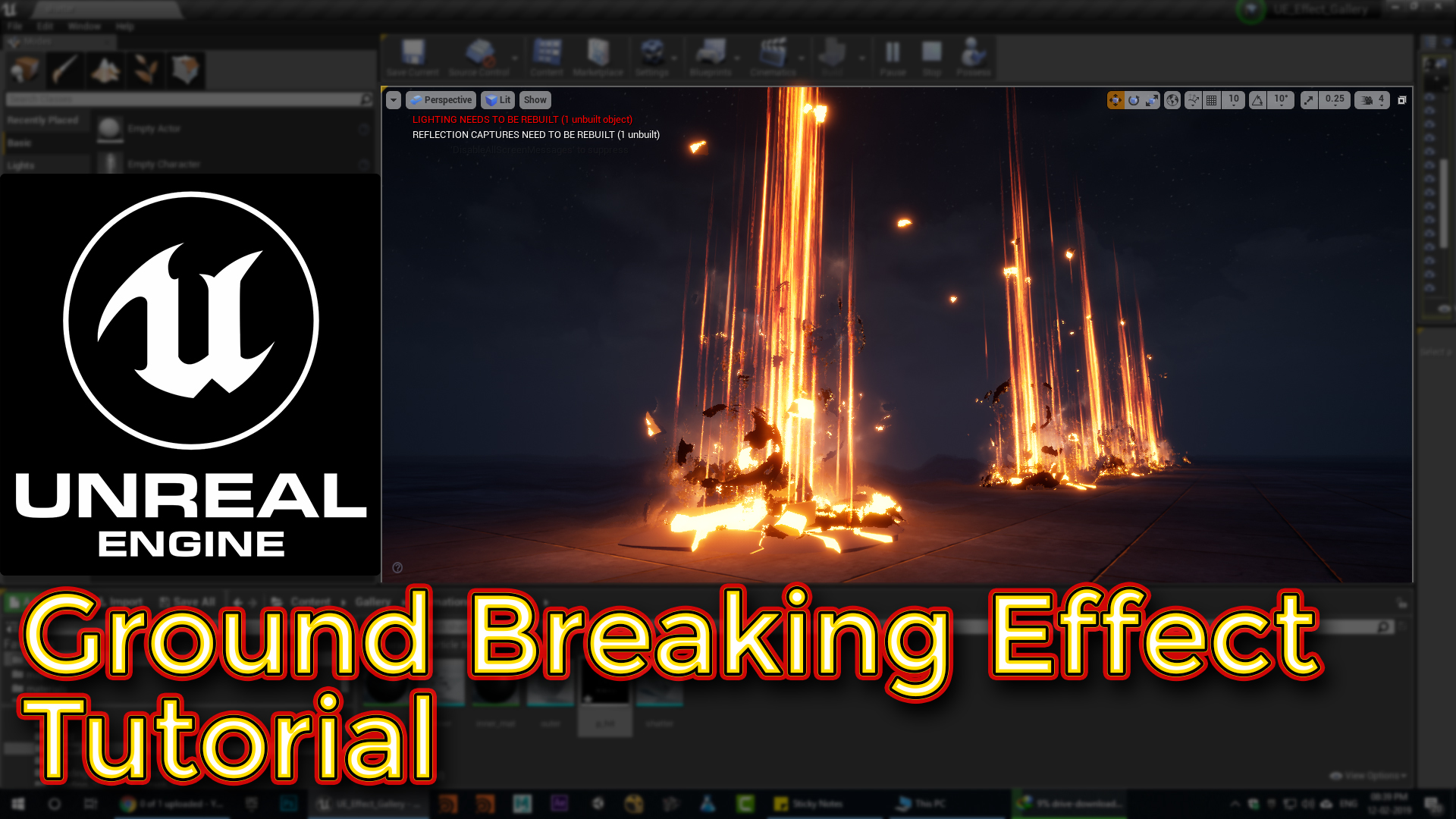

Visit: https://cghow.com/ for more tutorials. submit your tutorial/Artwork. In this tutorial you will learn how to create Ground Breaking Effect in unreal engine. you will learn every step for this effect texture, materials, mesh and emitters. #unrealenginevfxtutorials#cghow#unrealengine#gamevfx#gamefx#ue4vfx#ue4fx
Video Description:
In this tutorial, I show how to create a dynamic ground hit effect featuring ground shattering, black energy rays, and glowing streaks. Using a shattered geometry mesh created in Maya with the Pull Down It plugin, I demonstrate how to animate it in Unreal Engine using Alembic imports. The effect includes streaks emitting from a cylinder, glowing smoke, and black spheres eroding upwards. I explain the use of textures, emissive materials, and particle systems to create these effects, making it easy to add energy bursts to any game scene.
Detailed Breakdown:
- Shattered Mesh: Learn how to use Maya and the Pull Down It plugin to shatter a mesh and animate it using Alembic in Unreal Engine.
- Streaks & Glow: Create streaks using particle emitters with varying sizes, light intensity, and velocity to add depth and visual interest.
- Smoke & Distortion: Add glowing, magical smoke effects using simple textures in Photoshop and Unreal Engine’s particle system.
- Black Spheres & Erosion: Simulate erosion using noise textures and emissive materials to create glowing edges as the black spheres erode.
Additional Tips:
- Experiment with colors: You can change the red glow to any color to customize the look of the energy effect.
- Add more elements: Enhance the effect with sparks, fire, or other particle types for more variety.
- Improve performance: Consider optimizing the complexity of the particle systems for smoother gameplay.
Tags: #VFX #UnrealEngine #GroundHit #EnergyBurst #ParticleSystems #GameDev #Explosion
Leave a Reply