
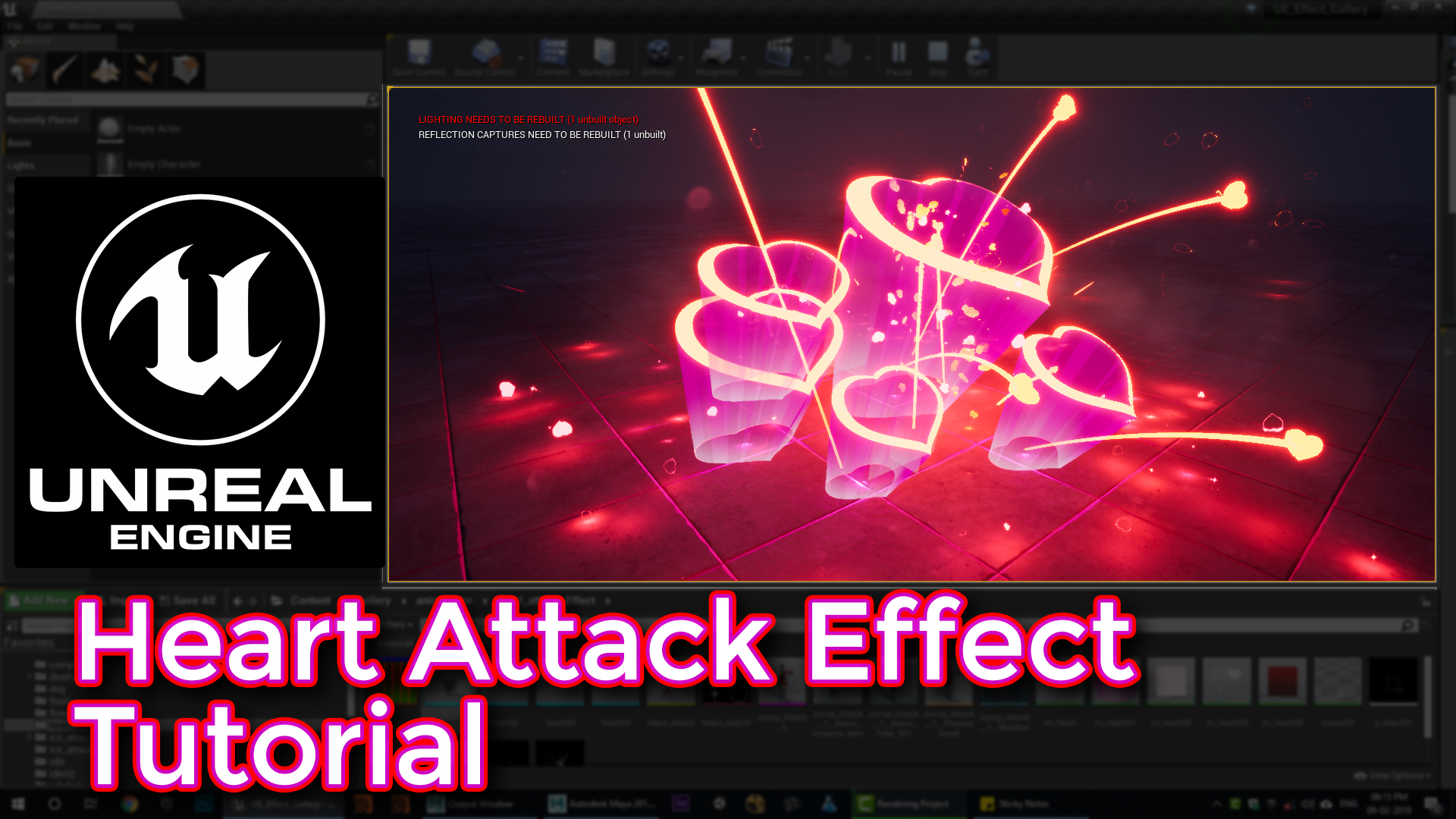
Unreal Engine Heart Attack Effect Tutorial
Visit: https://cghow.com/ for more tutorials. submit your tutorial/Artwork. In this tutorial you will learn how to create Heart Attack Effect in unreal engine. you will learn every step for this effect texture, materials, mesh and emitters. #unrealenginevfxtutorials#cghow#unrealengine#gamevfx#gamefx#ue4vfx#ue4fx
Video Description:
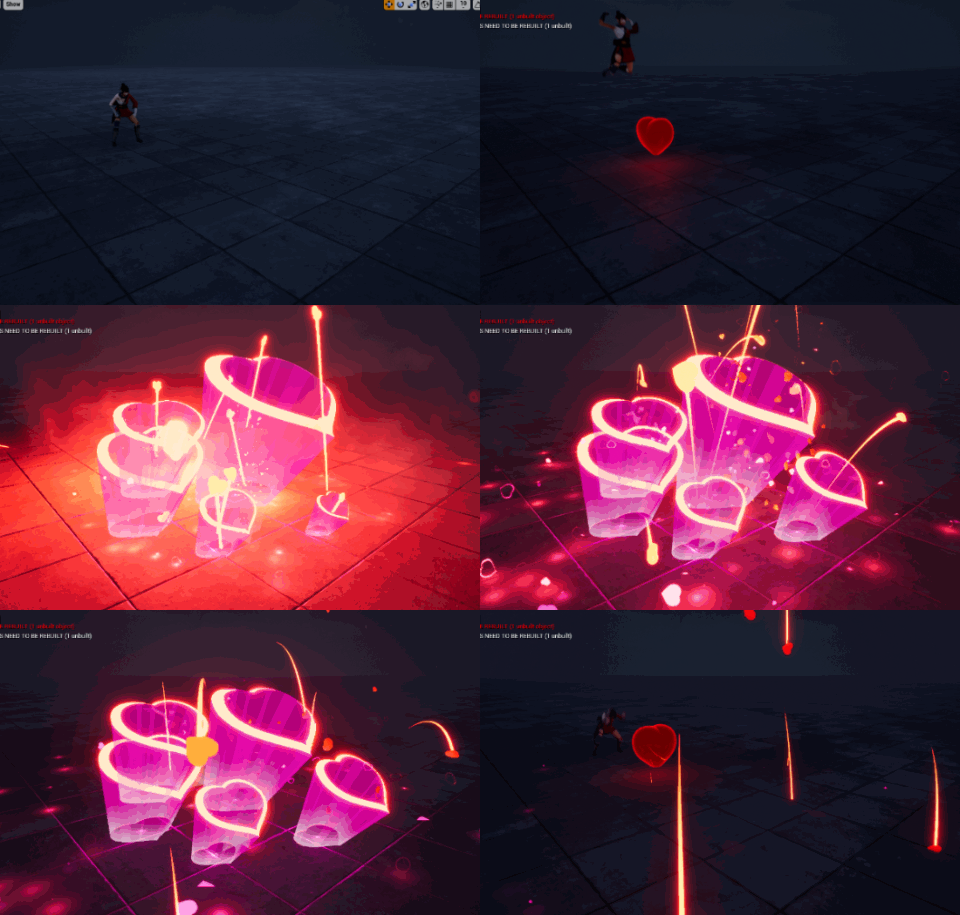
In this tutorial, I walk you through the process of creating a heart attack effect using Unreal Engine. This unique VFX features a heart mesh, glowing flashes, bursts, and rays that react dynamically. I use a variety of custom materials, including a shiny heart material, scaling particles, and flashing lights, to create a visually striking and emotional effect. I explain the use of meshes, material manipulation, and particle systems that bring this heart attack simulation to life.
Detailed Breakdown:
- Heart Mesh & Texture: I show how to create the heart mesh in Maya and apply a custom texture with UV mapping.
- Particle Systems: Detailed steps on how to use meshes for heart effects, including scaling, glowing, and rotating particles for realism.
- Rays and Flash: I use rays and flash effects that appear when the heart bursts, creating intense moments with color variations.
- Burst & Ribbon Effects: The heart bursts emit particles in random patterns, with trails and fading effects, utilizing ribbon particles.
- Lighting & Materials: Each heart and effect uses dynamic lighting and custom materials, such as red and pink gradients for added impact.
Additional Tips for This Effect:
- Scaling & Rotation: Randomize scaling and rotation for a more chaotic and impactful burst effect.
- Particle Delays: Introduce small delays in the particle systems to create staggered, organic bursts.
- Customization: Experiment with different shapes for the heart mesh or color schemes to make the effect unique to your project.
Tags: #VFX #UnrealEngine #HeartAttack #GameDev #ParticleSystems #HeartEffect #ExplosiveEffect #Animation
Leave a Reply