

Visit: https://cghow.com/ for more tutorials. submit your tutorial/Artwork.
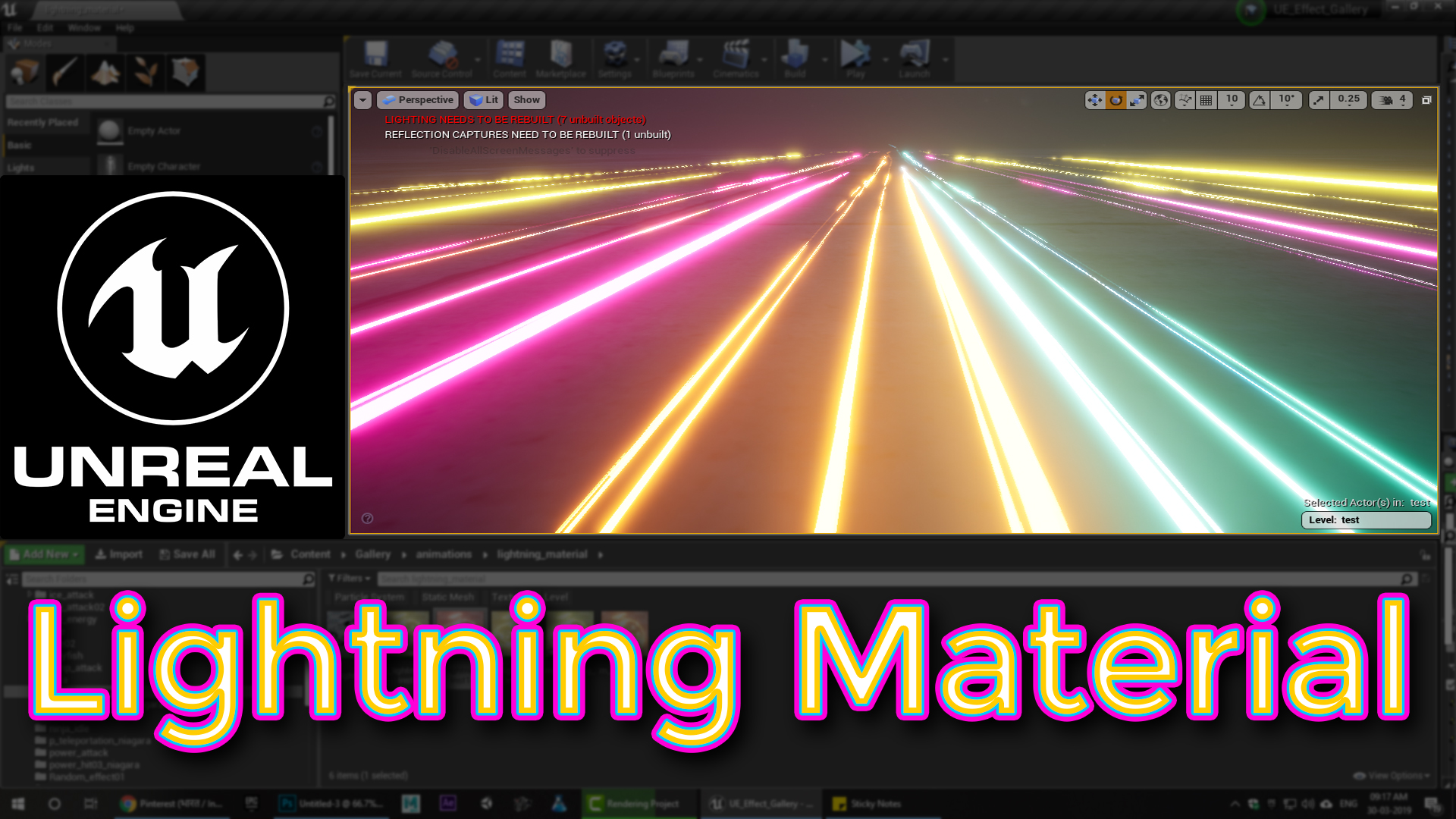
In this tutorial you will learn how to create Lightning Material in unreal engine.
#unrealenginevfxtutorials #cghow #unrealengine #gamevfx #gamefx #ue4vfx #ue4fx #niagara #unrealengineniagara
Description:
In this tutorial, Asif Ali demonstrates how to create lightning material in Unreal Engine from scratch, focusing on materials rather than particles. He walks through the process of creating a real-time lightning effect using Photoshop and Unreal Engine. The tutorial covers noise textures, gradients, blending modes (like difference), and the use of real-time animation to create dynamic lightning materials. This guide is beginner-friendly and shows how to apply the material to different meshes for varied visual results.
Key Points:
- Noise Textures: Used for the base lightning pattern.
- Photoshop Workflow: Creating lightning textures with noise, gradient, and blending modes.
- Difference Blending Mode: Key for shaping the lightning effect.
- Real-Time Animation: Moving textures for dynamic, animated lightning.
- Material Setup in Unreal: Implementing noise, gradients, and power remaps in Unreal Engine.
- Hue Shifting: Adjusting colors of the lightning with parameters.
- Applying to Meshes: Use the material on different types of meshes to create diverse effects.
Tips:
- Use sign functions to randomize color changes for more natural lighting effects.
- Combine the material with particle systems for enhanced realism.
- Adjust level parameters to tweak the sharpness and brightness of the lightning.
Tags:
- #UnrealEngine
- #LightningMaterial
- #VFXTutorial
- #MaterialCreation
- #GameDevelopment
- #RealTimeTextures
- #UnrealEngineTutorial
Leave a Reply