
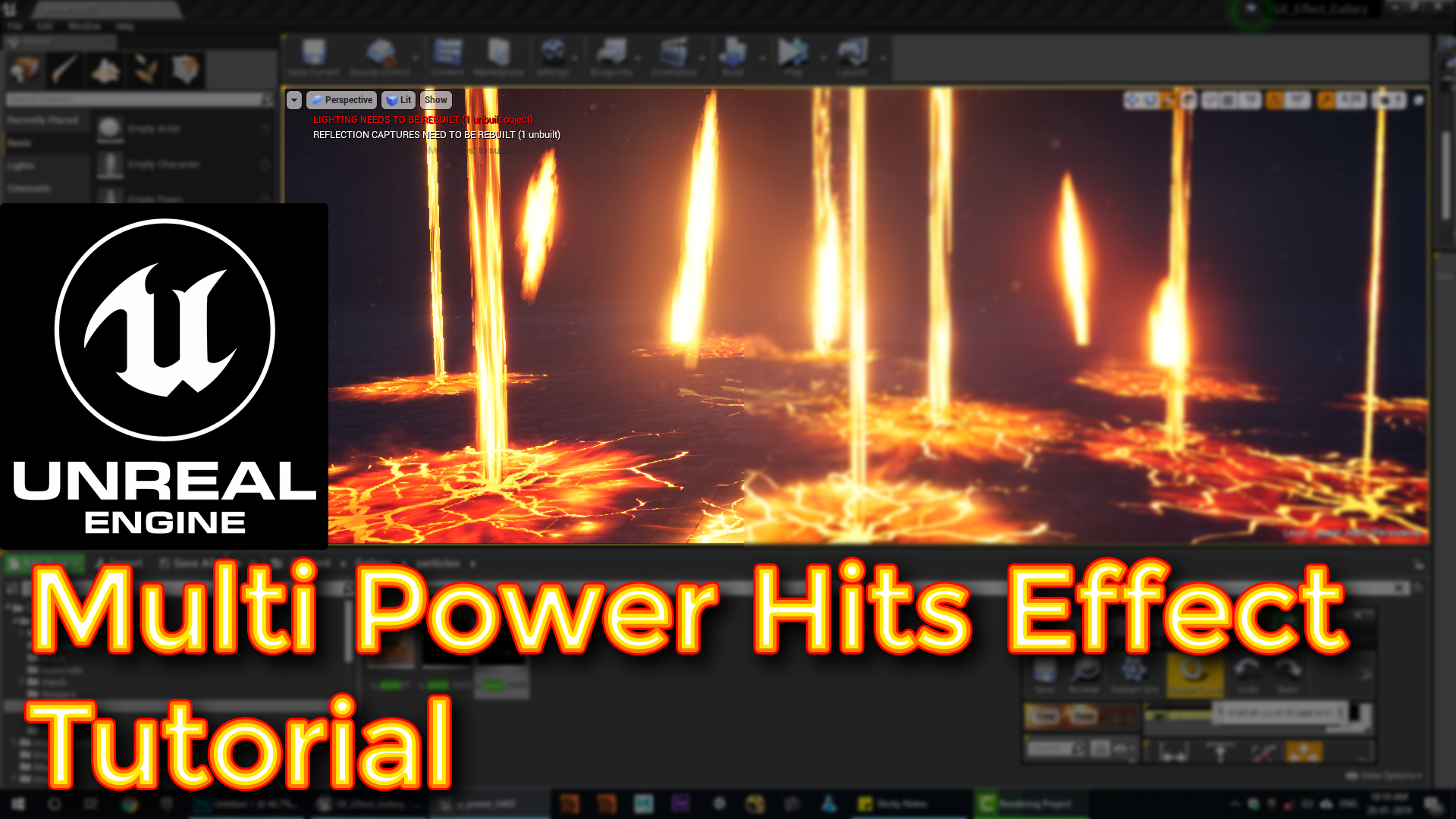

In this tutorial you will learn how to create Multi Power Hits Effect in unreal engine. you will learn every step for this effect texture, materials, mesh and emitters.
Description:
In this tutorial, you’ll learn how to create a powerful visual effect in Unreal Engine, featuring a sphere that moves upward, releases sparks, and impacts the ground with a burst of smoke, sparks, and cracks. It covers the techniques of creating dynamic materials, particle emitters, and handling collision events to trigger subsequent effects.
Breakdown:
1. Sphere Mesh Setup:
- Particle Type: Using a sphere mesh for the base effect.
- Key Parameters: Random rotation, scaling over life, and velocity.
- Material Animation: Using dynamic parameters to animate the sphere’s glow, erode, and edge glow.
2. Material Design:
- Glow Effect: Implementing Fresnel for edge glow and multiplying it with a texture to create a full-body glow.
- Erode Effect: Utilizing noise textures to control opacity and simulate erosion.
3. Secondary Effects:
- Flare: A flare effect on the edge of the sphere using a radial ramp texture.
- Sparks: Emit sparks with velocity on the y-axis, scaling over life.
- Smoke: Add smoke particles that rotate around the sphere, giving it organic movement.
4. Collision Effects:
- Emitter Events: On collision, trigger additional effects like cracks and destruction.
- Ground Interaction: Create cracks and sparks upon the sphere’s impact with the surface.
5. Additional Particle Effects:
- Multiple Sparks: Include various small sparks to enhance realism.
- Rotating Smoke: Use rotation around the sphere for dynamic and organic movement.
6. Final Result:
- Combine all emitters and effects for a fully functional, interactive impact effect with smoke, sparks, and cracks.
Optimization Tips:
- Efficient Particle Use: Limit the number of particles where possible to optimize performance.
- Collision Handling: Ensure proper collision detection for realistic interaction with the environment, and use event generators to trigger effects on impact.
- Layering Effects: Add layers of subtle smoke or sparks to enhance depth without cluttering the visual output.
- Test the Impact: When dealing with large particle systems, make sure to test different collision scenarios to ensure no particles are left floating or behaving unexpectedly.
Tags:
#UnrealEngine, #NiagaraVFX, #ExplosionEffect, #ParticleSystem, #VFXTutorial, #GameDev, #ImpactEffect, #CollisionEffects
Leave a Reply