
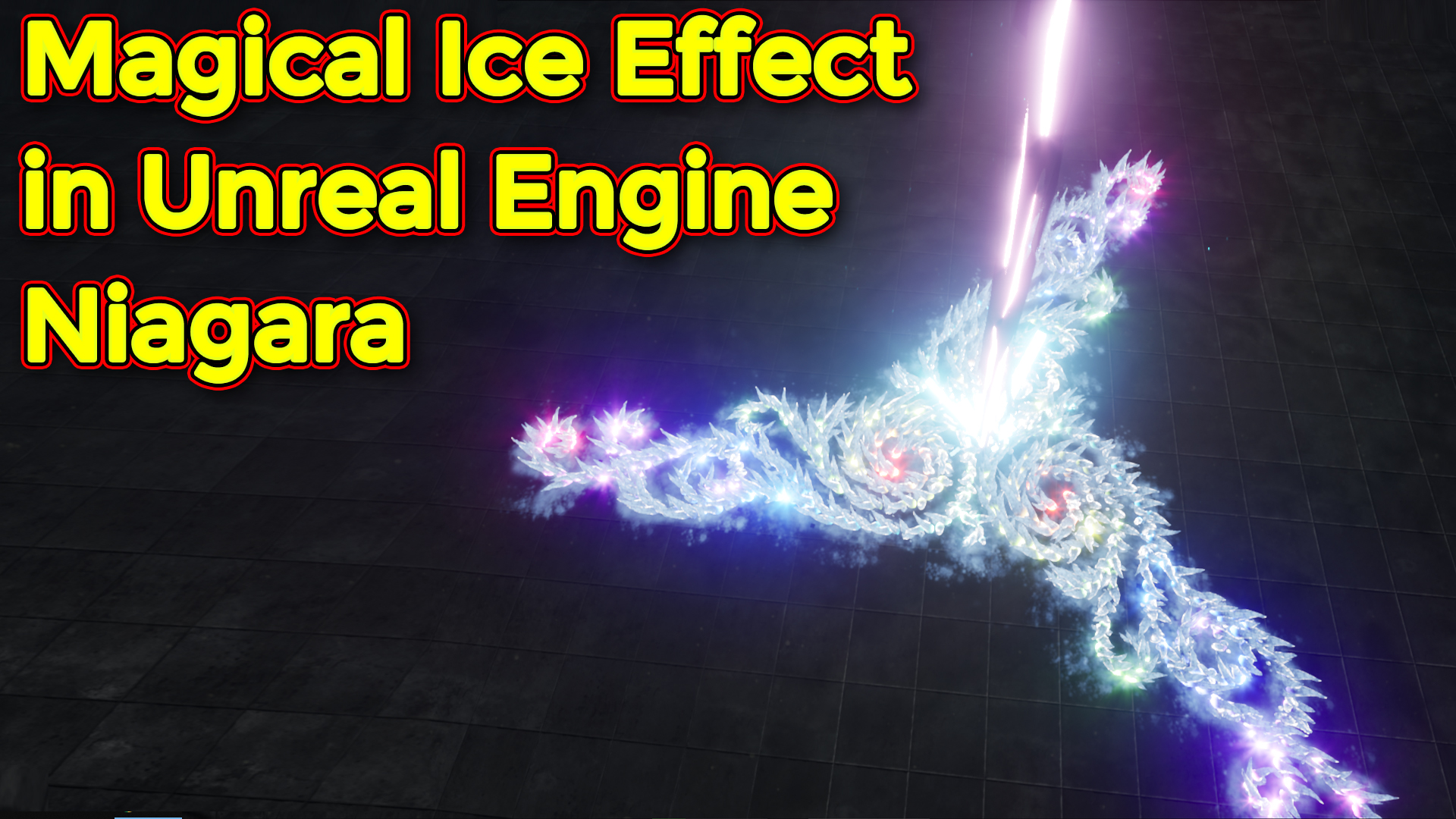
In this tutorial you will learn how to create Magical Ice Effect in unreal engine Niagara. you will learn every step for this effect texture, materials, mesh and emitters. For any concern comment below the video or create help thread in CGHOW form (discussion & help forum link below)
#cghow #unrealengine #gamevfx #gamefx #ue4vfx #ue4fx #niagara #unrealengineniagara #unrealenginevfxtutorials
●Upload Your Tutorials/Work – https://cghow.com/
…………………………………………………………………………………………………………
Purchase Effect Package From Unreal engine Marketplace –
●Niagara Effects Pack – http://bit.ly/2LWgZTx
●Advanced Magical FX – http://bit.ly/2XQYyXL
……………………………………………………………………………………………………………………………………
●Patreon – https://www.patreon.com/Ashif
……………………………………………………………………………………………………………………………………
●Follow FB Page – https://www.facebook.com/cghow0/
●Join FB Group – https://www.facebook.com/groups/cghow/
……………………………………………………………………………………………………………………………………
●Android App – http://bit.ly/2XUnhoR
……………………………………………………………………………………………………………………………………
Playlists-
●Unreal Engine Niagara Tutorials – http://bit.ly/2SmPEuT
●Unreal engine VFX Tutorials -http://bit.ly/2JNXyJZ
●Unity VFX Tutorials – http://bit.ly/2XNGlKz
……………………………………………………………………………………………………………………………………
●Discussion & Help Forum – http://bit.ly/2Lo0Er7
……………………………………………………………………………………………………………………………………


Title: Magical Ice Effect in Unreal Engine | Step-by-Step Niagara VFX Tutorial
Description: In this tutorial, I guide you through creating a magical ice effect in Unreal Engine using Niagara. This effect includes a glowing beam, ground flashes, sparks, and ice shapes that appear and disappear with an animated glow. Perfect for mystical or fantasy-themed projects, this effect is designed to be visually impactful while staying simple to build.
Key Points:
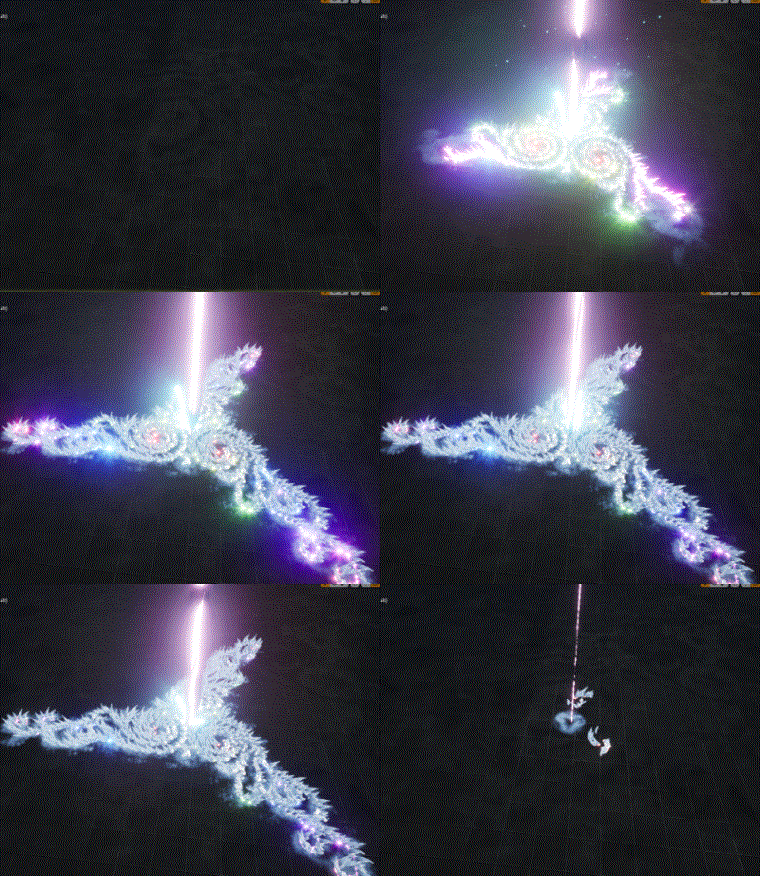
- Effect Overview: The magical ice effect consists of a beam hitting the ground, which triggers various particle effects like glowing flashes, frost textures, and ice meshes rising and fading with an offset animation.
- Components of the Magical Ice Effect:
- Beam Impact: A bright pink beam that hits the ground, created using a mesh with a simple color material. The beam scales over its lifetime and has an eroding black variant with noise textures for added distortion.
- Flashes on Impact: Ground flashes triggered by the beam impact, using simple textures and short-lived sprites that scale up over time.
- Ground Glow: A long-lasting glow that appears on the ground, similar to the flashes but facing downwards and fading slowly for added mystique.
- Frost Texture: A frost-like texture that appears on the ground and fades by eroding with a radial ramp. The animation creates a growing and shrinking effect, adding a gradual icy spread.
- Rising Ice Shapes: The main ice shapes appear by offsetting on the Z-axis, rising from the ground and then returning down. This is achieved by animating the UVs with an offset parameter in the particle system, creating an appearance of “growing” ice.
- Sparks & Decay: Spark bursts and decay textures are triggered when the beam impacts the ground, using radial particle emissions, curl noise, and velocity stretching to give the effect of icy fragments dispersing.
- Material & Texture Customization:
- Dynamic UVs: The ice meshes use two UV maps, one for the eroding effect and another for the texture. This setup allows the ice to animate with a gradient texture without needing an opacity mask.
- Glow & Bloom Settings: Using a Fresnel effect on the edges of the ice meshes gives them a mystical glow. Post-process bloom settings enhance the intensity, making the ice shapes appear to radiate light.
- Blueprint Integration: The effect can be managed in a blueprint to trigger on specific actions. Additionally, post-process settings for bloom can enhance the intensity of the glow.
Customization Tips:
- Experiment with the colors and intensities for different magical themes.
- Adjust the scale and timing of the ice shapes and sparks to fit various effects, like larger ice walls or faster, smaller shards.
- The modular structure allows you to duplicate and reposition elements, adding more ice shapes or varying beam angles.
Tags: #UnrealEngine #MagicalIceEffect #Niagara #VFX #GameDev #UnrealEngineVFX #NiagaraEffects
Leave a Reply