

Visit: https://cghow.com/ for more tutorials. submit your tutorial/Artwork.
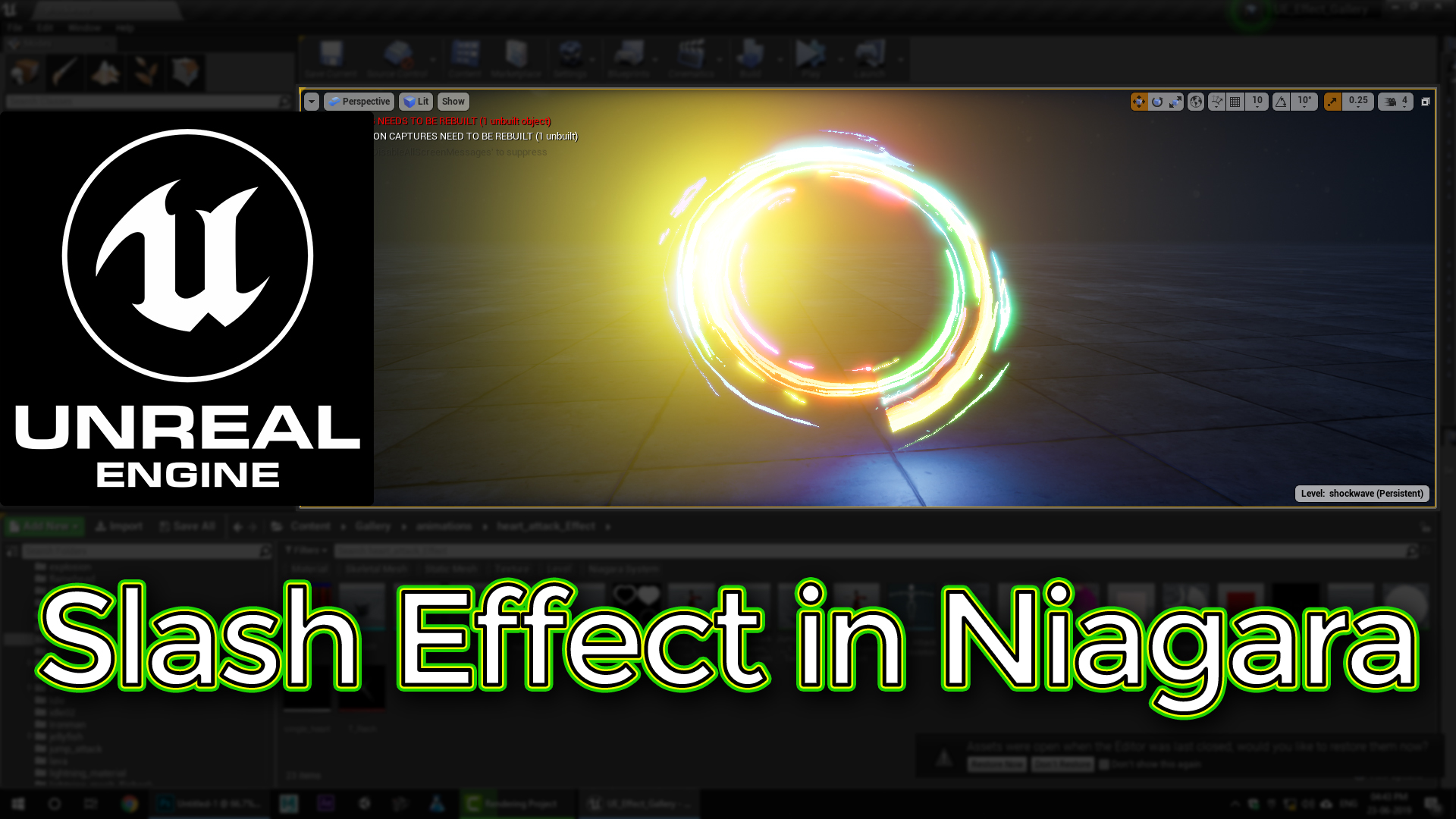
In this tutorial you will learn how to create Slash Effect in Niagara in unreal engine. you will learn every step for this effect texture, materials, mesh and emitters.
#unrealenginevfxtutorials #cghow #unrealengine #gamevfx #gamefx #ue4vfx #ue4fx #niagara #unrealengineniagara
Slash Effect in Unreal Engine 4 Niagara
This tutorial shows how to create a slash effect in Unreal Engine 4 Niagara, building it step by step from the base slash mesh and material to the emitters.
Use it for sword swings and melee attacks, and see the related posts below for more slash and hit effects.
More slash and hit effects: Slash Hit Effect · Sword Slash · Hit Effect
In this tutorial, we’ll dive into the world of Unreal Engine’s Niagara system to create a stunning slash effect. We’ll break down the process step-by-step, from creating the base mesh to setting up the particle system and material effects.
Key Points:
- Mesh Preparation:
- Create a simple mesh for the slash shape.
- Unwrap UVs to control the material’s appearance.
- Material Creation:
- Use gradient textures to control the slash’s appearance.
- Add noise textures for randomness and variation.
- Implement glow and emission effects for the slash’s intensity.
- Particle System Setup:
- Create particle systems for the slash, sparks, and debris.
- Set up particle spawn rates, lifetimes, and sizes.
- Add velocity, acceleration, and rotation to the particles.
- Control particle color and opacity over time.
- Animating the Slash:
- Use curves to control particle properties over time.
- Add collision events to trigger additional effects, like sparks and debris.
- Optimizing Performance:
- Use level of detail (LOD) techniques to reduce particle count.
- Optimize material and particle system settings.
- Leveraging virtual texture technology for large-scale effects.
Trending Tags: #UnrealEngine #Niagara #VFX #Tutorial #GameDev #GameArt #VFXArtist #ParticleEffects #UnrealEngine5 #UE5 #VisualEffects #3DArt #GameDevelopment #SlashEffect #SpecialEffects
Additional Notes:
- Experiment with different particle systems and materials to achieve various slash effects.
- Consider using Blueprints to control the slash’s behavior dynamically.
- Optimize your particle system for performance, especially for large-scale effects.
- You can use this technique for a variety of effects, such as sword swings, energy beams, and magical attacks.
Leave a Reply