
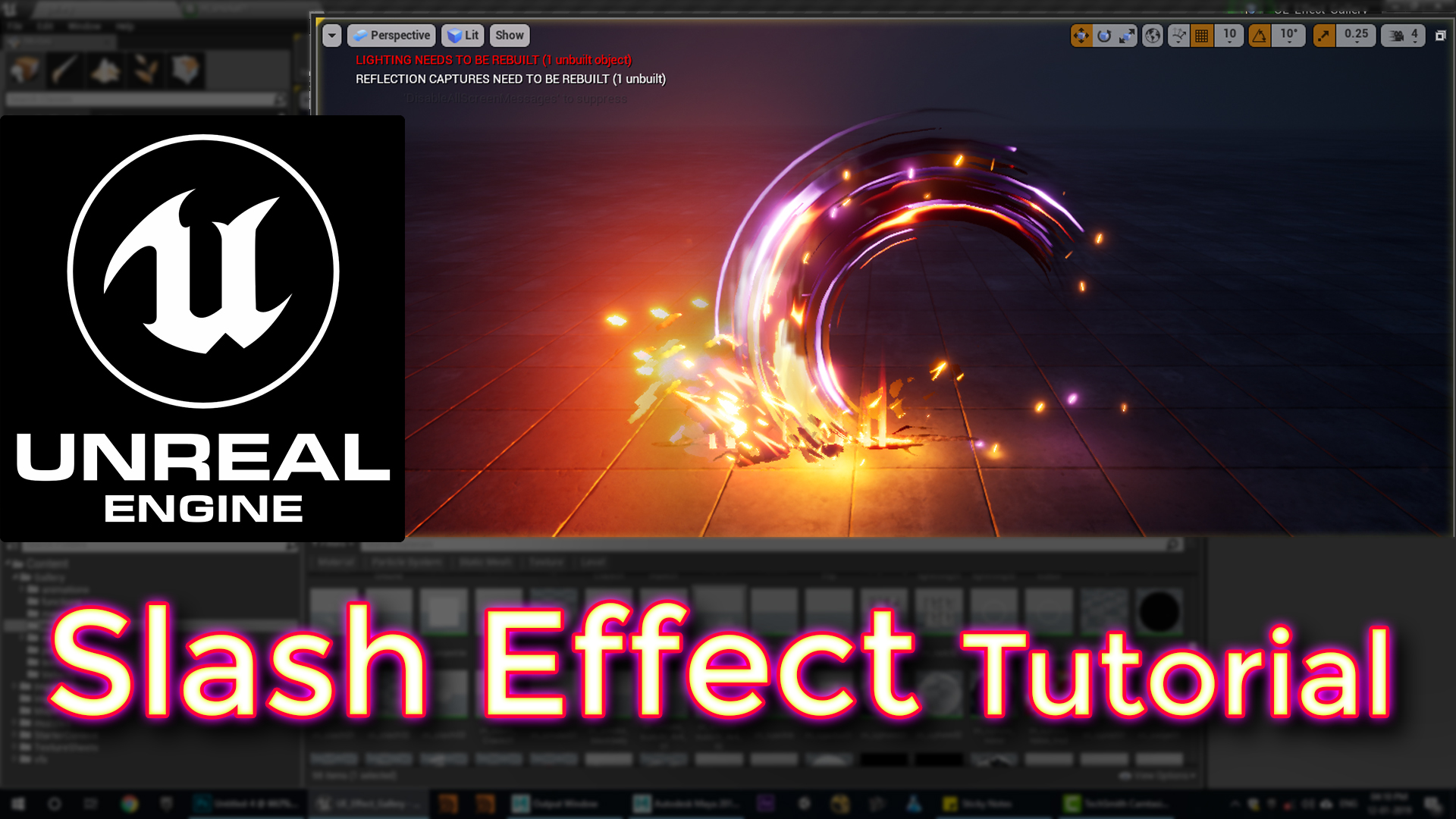

In this video you will Learn how to make Slash Effect in unreal engine. I will show you every step how to make textures, Materials and meshes for this effect.
Description: In this tutorial, learn to create an advanced slice effect using Unreal Engine’s Niagara VFX. We’ll cover custom textures, dynamic parameters, and material setups to produce a detailed and impactful slice. Each component—from the slash effect to the impact sparks—is crafted to give a polished look, complete with delayed secondary colors, crack effects, smoke, and sparks on impact.
Content Breakdown:
- Initial Setup & Textures: Use ring meshes, UV setup, and erosion textures to create the base slice effect.
- Erosion Parameters: Control color changes and opacity with dynamic parameters for a realistic eroding effect.
- Secondary Effects: Add a delayed purple slash, sparks, and impact light for depth.
- Impact Details: Use fire, smoke, and crack textures to show where the slice hits the ground.
- Final Adjustments: Adjust rotation, spawn rate, and lighting to refine the overall effect.
Tags: #UnrealEngine, #NiagaraVFX, #SliceEffect, #VFXTutorial, #GamingEffects
Leave a Reply