

Visit: https://cghow.com/ for more tutorials. submit your tutorial/Artwork.
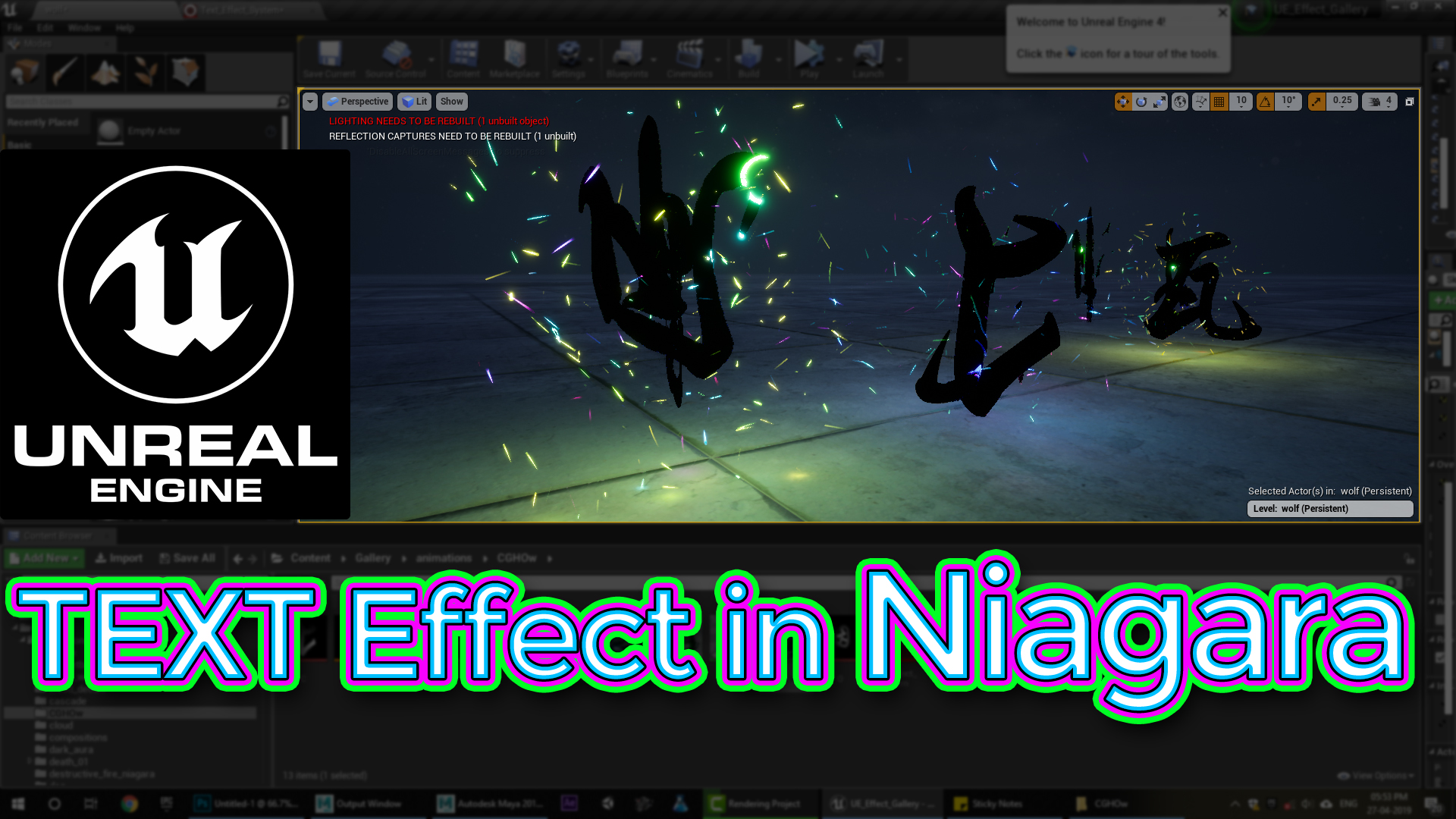
In this tutorial you will learn how to create Text Effect in Niagara in unreal engine. you will learn every step for this effect texture, materials, mesh and emitters.
#unrealenginevfxtutorials #cghow #unrealengine #gamevfx #gamefx #ue4vfx #ue4fx #niagara #unrealengineniagara
Description
In this tutorial, you’ll learn how to create a dynamic text erosion effect using Unreal Engine’s Niagara system. You’ll start by creating a sequence of mesh assets representing different stages of text erosion. These meshes will be used as a flipbook to animate the erosion process. You’ll then create a material that utilizes a gradient texture to control the erosion effect and add various visual effects like glow and sparks. Finally, you’ll integrate this material into a Niagara particle system to emit and animate the text.
Key Points:
- Mesh Flipbook Creation: Creating a sequence of mesh assets representing different stages of erosion.
- Material Setup: Using a gradient texture to control the erosion effect.
- Niagara Particle System: Integrating the mesh flipbook material into a particle system.
- Particle Emission and Animation: Controlling particle emission rate, lifetime, and movement.
- Customization: Adjusting particle properties like color, size, and rotation.
Trending Tags:
#UnrealEngine #Niagara #VFX #Tutorial #GameDev #GameArt #VFXArtist #ParticleEffects #UnrealEngine5 #UE5 #VisualEffects #3DArt #GameDevelopment #TextEffect #MeshFlipbook
Additional Notes:
- This tutorial is ideal for intermediate-level Unreal Engine users who have a basic understanding of particle systems and materials.
- The techniques demonstrated in this tutorial can be applied to create a variety of text effects, such as fading, shattering, and morphing.
- Experiment with different mesh shapes, UV layouts, and material parameters to achieve unique and visually appealing effects.
- Consider optimizing your particle system for performance by adjusting particle counts, simulation rates, and rendering settings.
Leave a Reply