

Visit: https://cghow.com/ for more tutorials. submit your tutorial/Artwork.
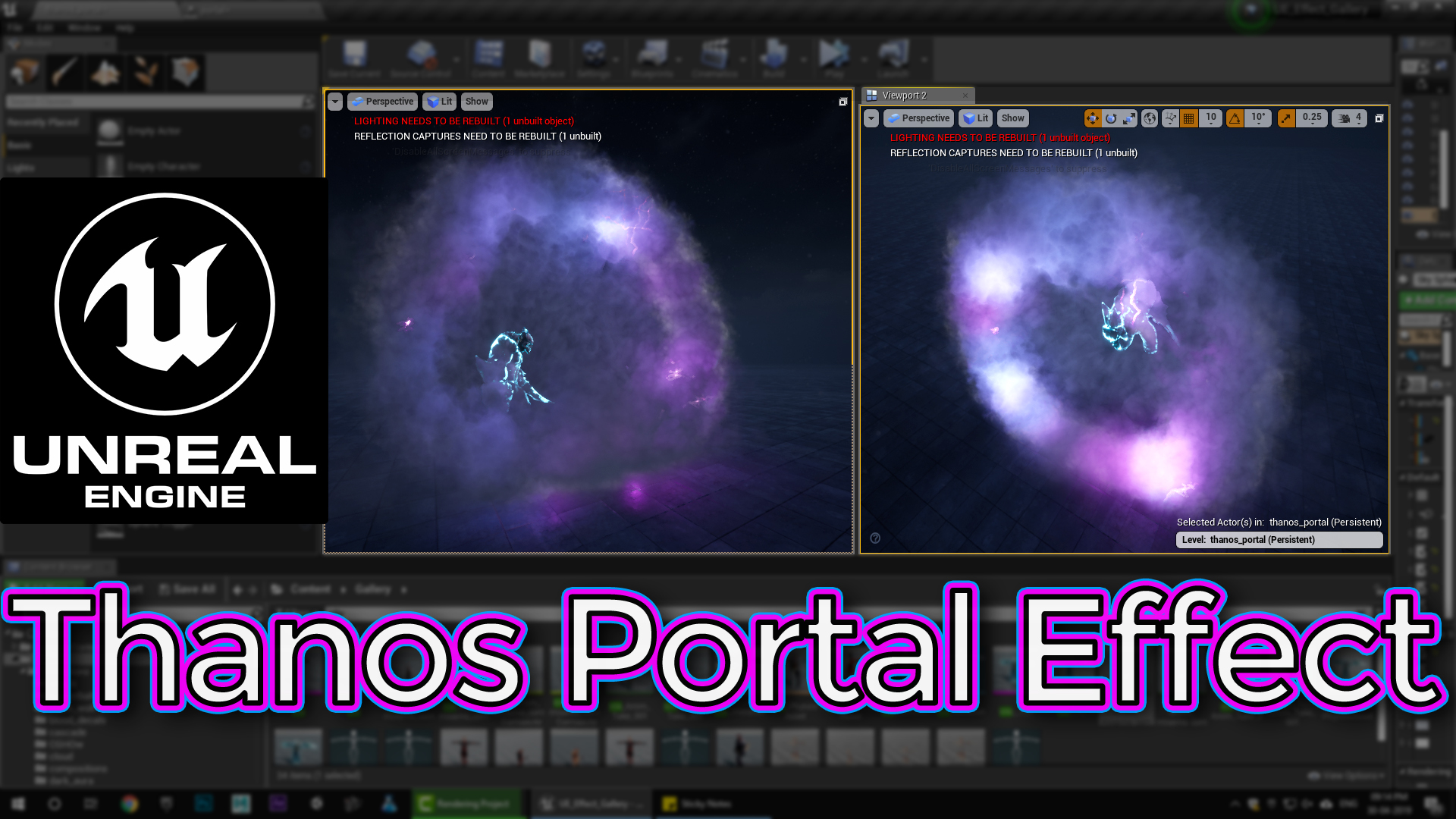
In this tutorial you will learn how to create Thanos Portal Effect in unreal engine. you will learn every step for this effect texture, materials, mesh and emitters.
#unrealenginevfxtutorials #cghow #unrealengine #gamevfx #gamefx #ue4vfx #ue4fx #niagara #unrealengineniagara
Description: In this tutorial, you’ll learn how to create a mesmerizing portal effect using Unreal Engine’s Niagara particle system. You’ll explore techniques for creating swirling energy, light effects, and distortion fields.
Key Topics:
- Particle System Setup:
- Creating a basic particle system with a sphere shape emitter.
- Setting up particle properties like lifetime, size, and color.
- Adding velocity and acceleration to create swirling motion.
- Material Creation:
- Creating a material for the portal’s energy effect.
- Using noise textures to create dynamic patterns.
- Adding glow and distortion effects using post-process materials.
- Advanced Techniques:
- Using collision events to trigger particle effects on impact.
- Implementing custom particle modules for unique behaviors.
- Optimizing particle systems for performance.
Visual Examples:
- A swirling portal with a colorful energy field.
- A dark and ominous portal with a sinister glow.
- A portal with a realistic distortion effect.
Additional Tips:
- Experiment with different particle shapes and emission patterns.
- Use color ramps to create dynamic and visually appealing effects.
- Consider adding sound effects to enhance the overall experience.
- Optimize your particle system for performance, especially for large-scale effects.
By following these steps and tips, you can create stunning and immersive portal effects in your Unreal Engine projects.


Leave a Reply