

Visit: https://cghow.com/ for more tutorials. submit your tutorial/Artwork.
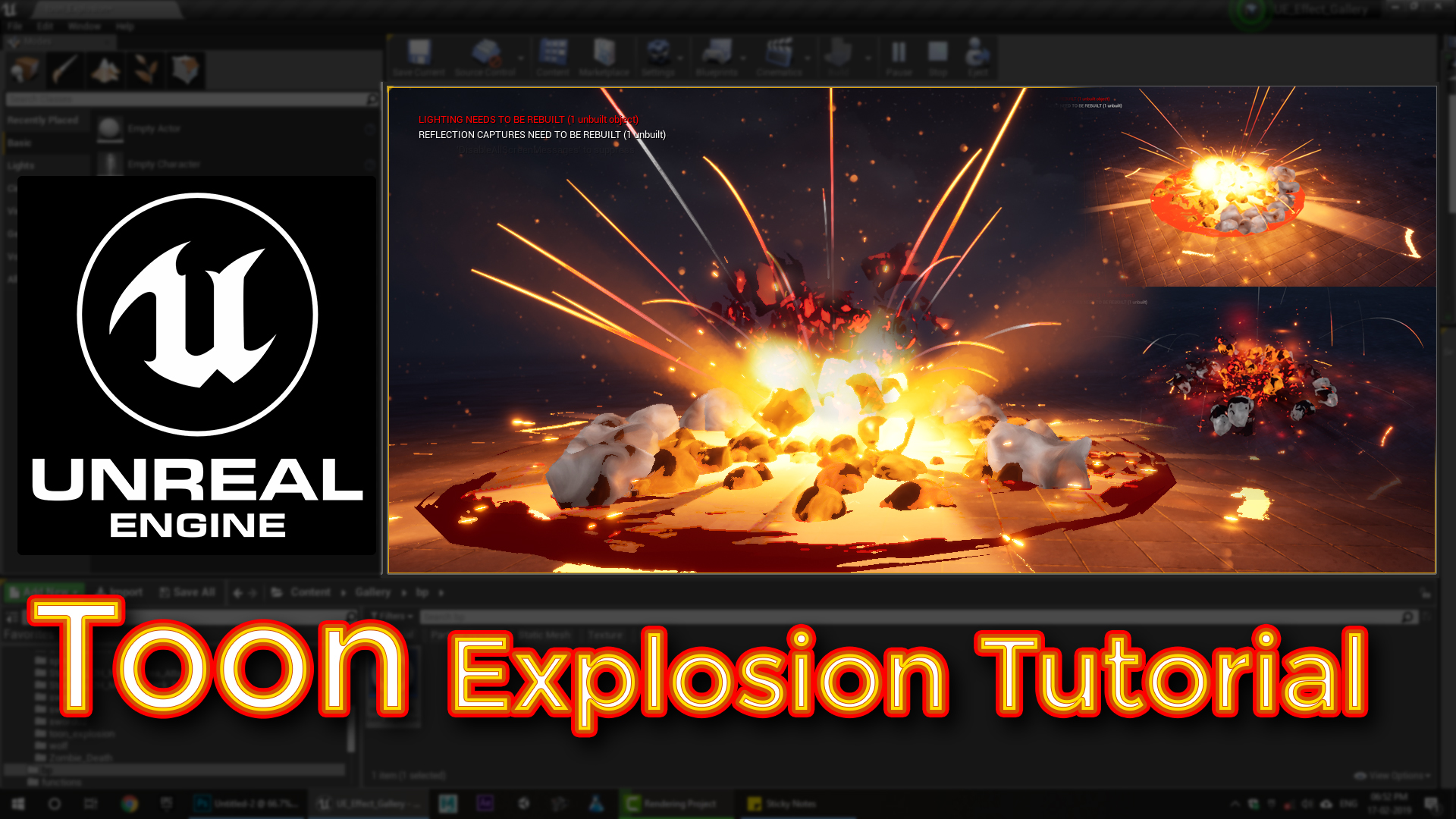
In this tutorial you will learn how to create Toon Explosion in unreal engine. you will learn every step for this effect texture, materials, mesh and emitters.
unrealenginevfxtutorials #cghow #unrealengine #gamevfx #gamefx #ue4vfx #ue4fx
Video Description:
In this tutorial, we create a toon-style explosion effect with a camera shake, glowing edges, and ground decals. I’ll walk you through how I designed the explosion, from the rocky debris and glowing edges to the shockwave and sparks. Learn how to create particle systems using meshes, dynamic materials, and the erode effect to simulate the destruction. Additionally, discover how I added a camera shake to enhance the player’s experience.
Key Elements Covered:
- Toon Shader Explosion
- Camera Shake Implementation
- Rock & Sphere Meshes
- Eroding Effect with Dynamic Materials
- Shockwave, Sparks, and Smoke
Additional Tips:
- You can experiment with custom meshes for different explosion styles.
- Try using different textures for the erode glow to vary the visual effect.
Tags: #VFX #UnrealEngine #GameDev #Explosion #ToonShader #ParticleSystems #CameraShake
Leave a Reply