
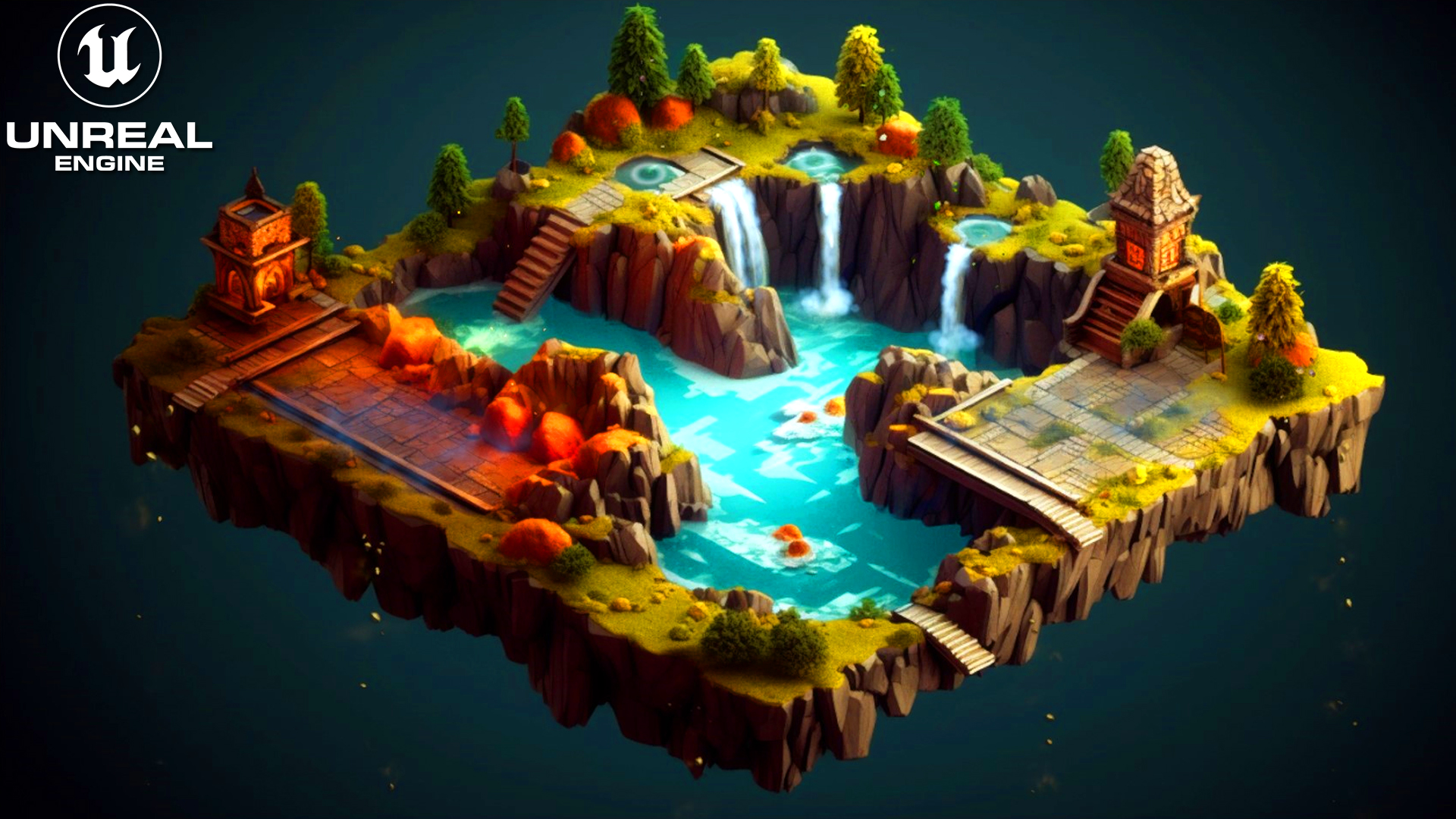

Download – https://www.patreon.com/posts/83623797
Patreon- https://www.patreon.com/Ashif
NFT – https://opensea.io/CGHOW
Twitter – https://twitter.com/cghow_
👉👉 If you Liked it – http://bit.ly/2UZmiZ4
Channel Ashif – http://bit.ly/3aYaniw
Support me on – paypal.me/9953280644
Water, Dust, Leaves, Glow, in UE5.2 Niagara Tutorial | Download Files
#cghow #UE5 #UE4Niagara #gamefx #ue5niagara #ue4vfx #niagara #unrealengineniagara #realtimevfx
●Visit – https://cghow.com/
Unreal Engine Marketplace – https://bit.ly/3aojvAa
Artstation Store – https://www.artstation.com/ashif/store
Gumroad – https://cghow.gumroad.com/
In this tutorial, we’ll delve into the creation of a dynamic scene in Unreal Engine 5, utilizing Niagara particle systems to add life and realism to a static scene. We’ll break down the process of adding various particle effects like leaves, water, fog, and fire to the scene.
Particle System Setup
- Leaves:
- Use a simple material with a leaf texture and alpha channel.
- Spawn particles randomly from a specific area.
- Apply a downward velocity with random variations.
- Add wind effects to control the particle movement.
- Use a color curve to fade the particles over time.
- Water:
- Create a simple material with a gradient texture to simulate water.
- Spawn particles from the water surface.
- Apply an initial downward velocity and random horizontal velocity.
- Add a gravity effect to simulate water droplets falling.
- Use a color curve to fade the particles over time.
- Fog:
- Create a simple material with a noise texture to simulate fog.
- Spawn particles from the ground or specific areas.
- Apply an upward velocity with random variations.
- Use a color curve to fade the particles over time.
- Glow:
- Create a simple material with a radial gradient.
- Spawn particles around the desired areas.
- Apply a random velocity to the particles.
- Use a color curve to fade the particles over time.
Scene Setup
- Geometry:
- Create a simple plane to represent the ground.
- Add any additional geometry as needed.
- Lighting:
- Set up directional lighting to illuminate the scene.
- Adjust the lighting angle and intensity to create the desired mood.
- Add ambient lighting to fill in shadows and create a more realistic look.
Post-Processing Effects:
- Depth of Field:
- Use depth of field to blur the background and focus on the foreground.
- Motion Blur:
- Add motion blur to the water and leaves to create a sense of movement.
- Color Grading:
- Adjust the color grading to enhance the overall look of the scene.
Tips and Tricks:
- Experiment with different particle systems and materials to create unique and visually appealing effects.
- Use the sequencer to control the timing and duration of the effects.
- Pay attention to detail and fine-tune the parameters of your particle systems and materials.
- Consider adding sound effects to enhance the overall experience.
- Use post-processing effects to create a cinematic and immersive atmosphere.
Leave a Reply