

Download – https://www.patreon.com/posts/71907976
Patreon- https://www.patreon.com/Ashif
NFT – https://opensea.io/CGHOW
Twitter – https://twitter.com/cghow_
👉👉 If you Liked it – http://bit.ly/2UZmiZ4
Channel Ashif – http://bit.ly/3aYaniw
Support me on – paypal.me/9953280644
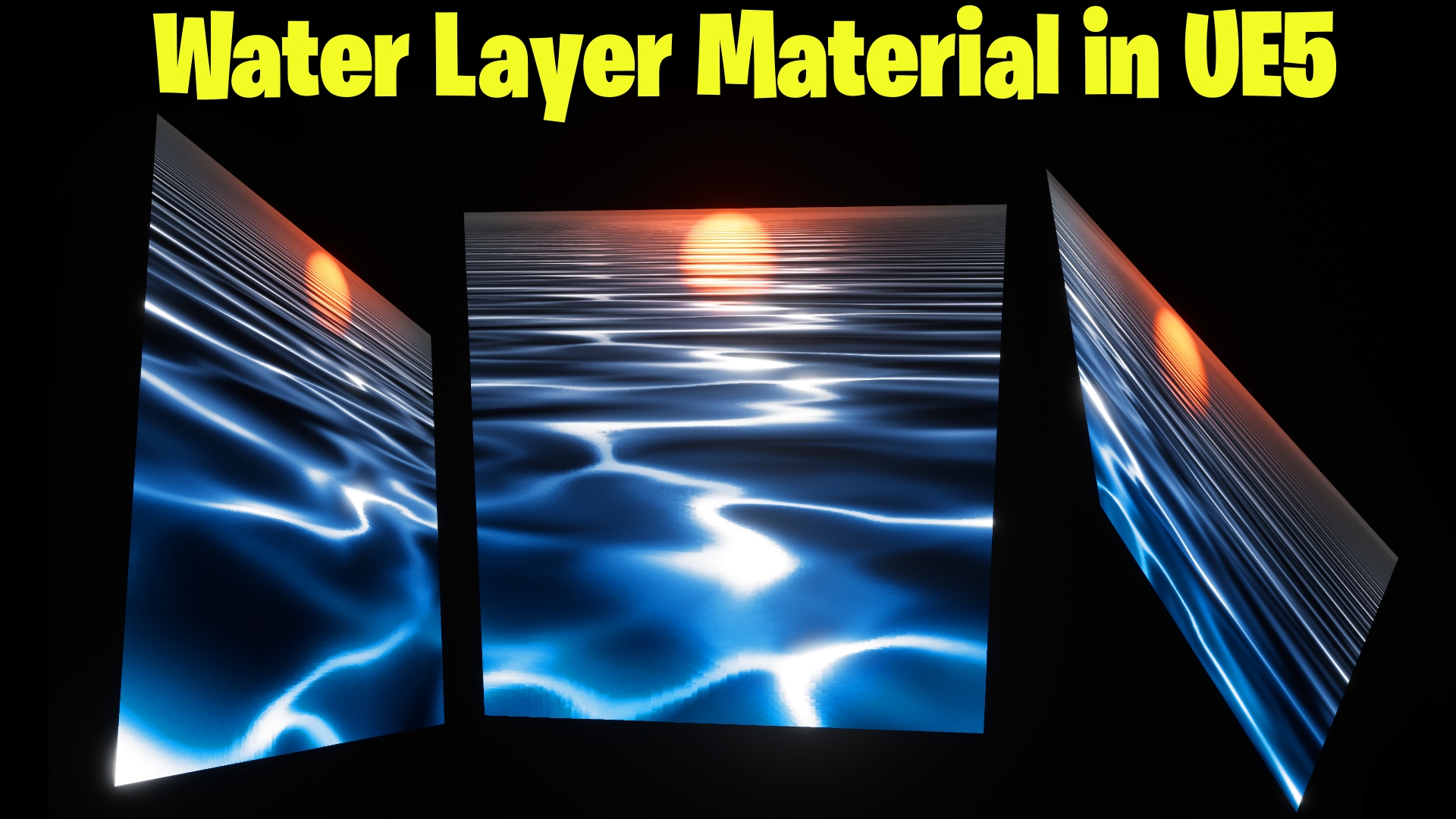
Water Layer Material in UE5 Tutorial | Download Files
#cghow #UE5 #UE4Niagara #gamefx #ue5niagara #ue4vfx #niagara #unrealengineniagara #realtimevfx
●Visit – https://cghow.com/
Unreal Engine Marketplace – https://bit.ly/3aojvAa
Artstation Store – https://www.artstation.com/ashif/store
Gumroad – https://cghow.gumroad.com/
Description:
In this tutorial, Ashif Ali from CGHOW demonstrates how to create a realistic water layer effect in Unreal Engine 5 using material nodes. This effect is designed to simulate the perspective distortion you see in real water when viewed from different angles, and it can be easily applied to a camera-facing sprite on a flat plane.
Key Points:
- Creating the Material: Learn how to build the water effect using simple material nodes in UE5.
- Scaling and Stretching the Texture: Discover how to use gradients to stretch the texture in the Y axis while maintaining proper perspective.
- Distortion and Noise: Add dynamic distortion to the texture for a more realistic look using noise textures.
- Color and Specularity: Control the water’s appearance by adjusting color, specular, and reflection properties.
- Glow and Reflection Effects: Add a radial glow effect to simulate sunlight or reflection on the water.
- Fine-Tuning and Variations: Experiment with different settings to achieve the desired visual effects.
Trendy Tags:
#UnrealEngine5 #WaterEffect #MaterialNodes #UE5Tutorial #VFX #GameArt #CGHOW #UE5WaterLayer
Additional Notes:
For a more advanced effect, consider adding dynamic elements like particle effects or additional noise layers to simulate waves or ripples. The tutorial also touches on controlling opacity and reflection to match various lighting conditions, enhancing realism in your UE5 projects.
Leave a Reply