
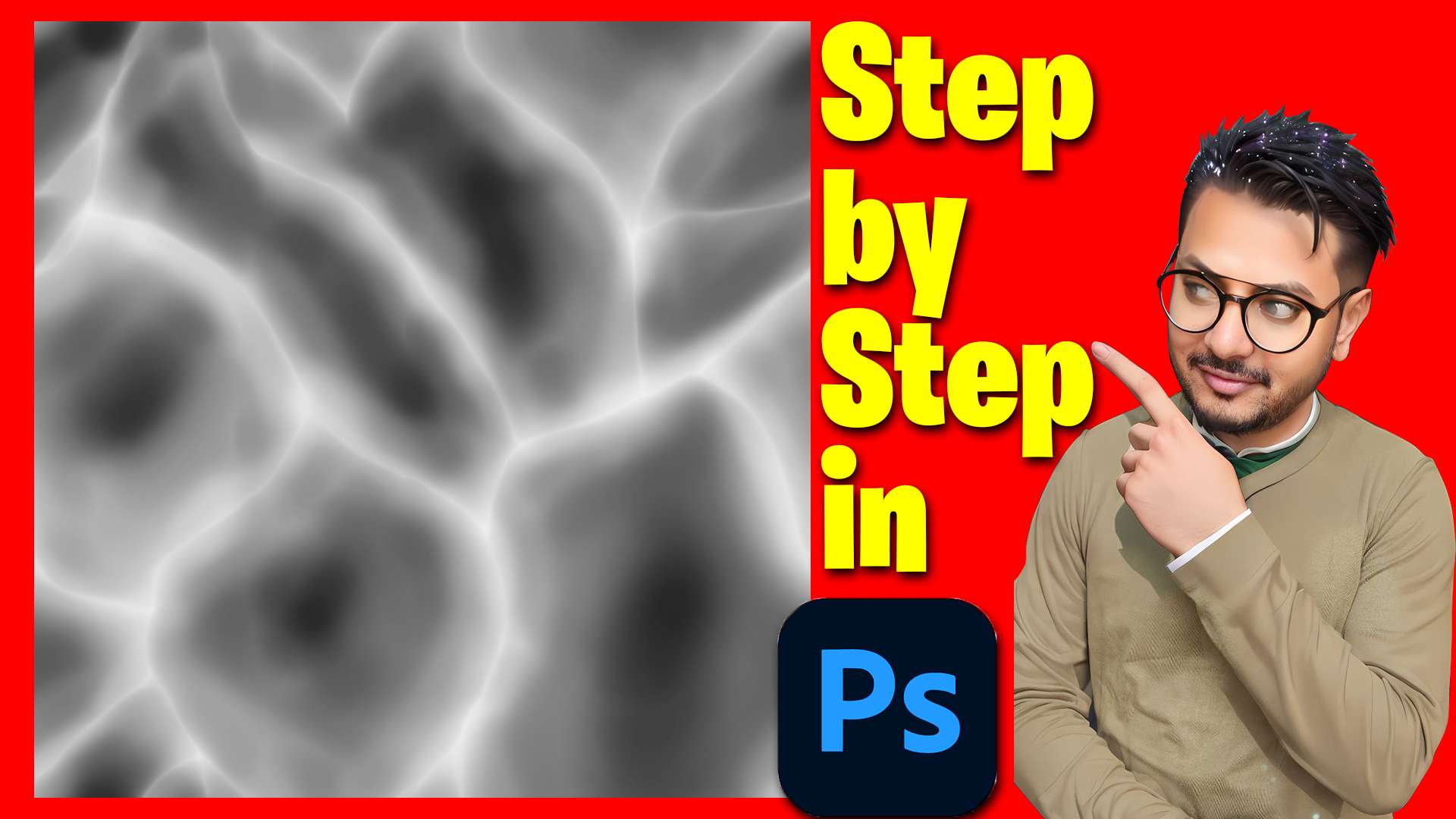
Hand-Painted Noise Textures for VFX
This tutorial shows how to paint custom noise textures in Photoshop, step by step, so your stylized VFX in Unreal Engine 5 Niagara get a unique hand-made look.
Use these textures for stylized water, smoke, fire and shields, and see the related posts below for effects that use this kind of texture.
More stylized VFX: Stylized Water Tutorial · Toon Explosion Tutorial · Shield with Scene Texture
Free Download – https://bit.ly/4iiIC5R
FAB – https://www.fab.com/sellers/CGHOW
Whatsapp – https://bit.ly/3LYvxjK
Patreon- https://www.patreon.com/Ashif
NFT – https://opensea.io/CGHOW
Twitter – https://twitter.com/cghow_
👉👉 If you Liked it – http://bit.ly/2UZmiZ4
Channel Ashif – http://bit.ly/3aYaniw
Support me on – paypal.me/9953280644
How to Create Custom Hand-Painted Noise Textures in Photoshop: Step-by-Step Tutorial
#cghow #UE5 #UE4Niagara #gamefx #ue5niagara #ue4vfx #niagara #unrealengineniagara #realtimevfx
●Visit – https://cghow.com/
Unreal Engine Marketplace – https://bit.ly/3aojvAa
Artstation Store – https://www.artstation.com/ashif/store
Gumroad – https://cghow.gumroad.com/
Leave a Reply