

Download – https://www.patreon.com/posts/108601972
Whatsapp – https://bit.ly/3LYvxjK
Patreon- https://www.patreon.com/Ashif
NFT – https://opensea.io/CGHOW
Twitter – https://twitter.com/cghow_
👉👉 If you Liked it – http://bit.ly/2UZmiZ4
Channel Ashif – http://bit.ly/3aYaniw
Support me on – paypal.me/9953280644
Random Animation Offset in Unreal Engine 5.4 Niagara Tutorial | Download Files
#cghow #UE5 #UE4Niagara #gamefx #ue5niagara #ue4vfx #niagara #unrealengineniagara #realtimevfx
●Visit – https://cghow.com/
Unreal Engine Marketplace – https://bit.ly/3aojvAa
Artstation Store – https://www.artstation.com/ashif/store
Gumroad – https://cghow.gumroad.com/
Randomizing Skeleton Animation and Aligning to Uneven Ground in Unreal Engine VFX
Video Transcript:
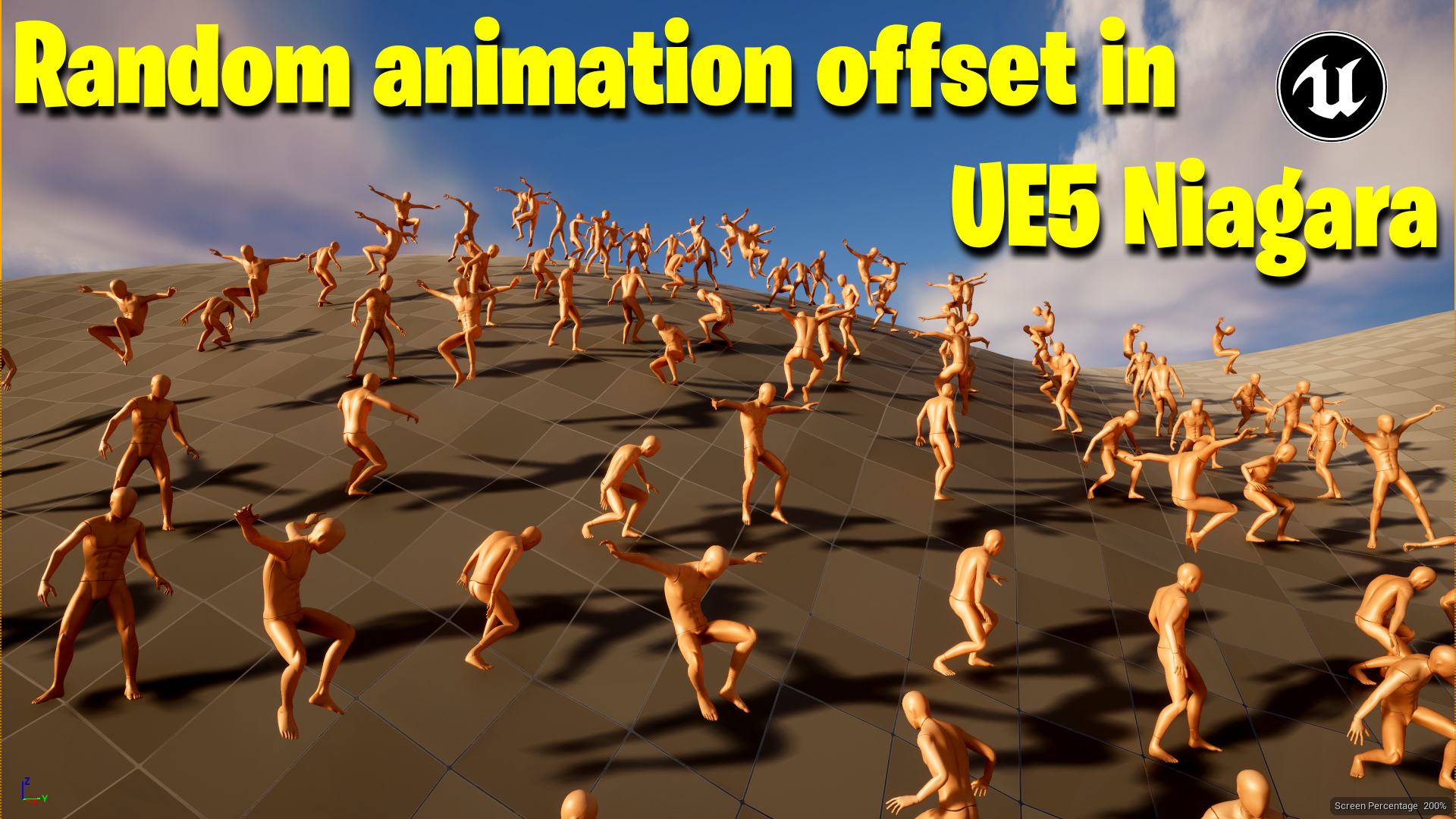
Hi guys, welcome back! Today, I’m tackling a question from an anonymous user on the Unreal Engine forum who’s facing two issues. The first is that they’re spawning skeleton meshes with animation in the particle system using the component render, but they need the particles to align with an uneven landscape. The second issue is that they want to offset the animation of the skeletons so that they don’t all animate at the same time. Let’s dive into how I’d approach solving these problems.
For the animation, I’ve chosen a simple jump animation that I can offset to see how the skeletons behave. I’ve already downloaded and imported the animation into Unreal Engine. So, let me go ahead and set up the particle system for this.
- Setting Up the Particle System:
- I’ll start by creating a new particle system, add a fountain emitter, and modify it. Instead of using the spawn rate, I’ll use grid spawn to arrange the particles in a grid pattern.
- I’ll set the number of particles to 25 (5×5 grid) to cover a larger area. After that, I’ll add a component renderer and set it to render the skeletal mesh.
- Then, I’ll add the animation and adjust the grid to fit the scene. Right now, the skeletons are animating together because they’re all set to the same animation, and we need to randomize the animation to get a better result.
- Aligning the Particles with Uneven Ground:
- If your ground isn’t flat and you want the skeletons to align with the surface, you can make adjustments to the particle location.
- For instance, I can offset the particles from a fixed position to align with the landscape.
- To randomize the vertical position, I’ll make the height of the particles vary between -50 and 50 units, so they appear above or below the ground.
- Randomizing Animation:
- To prevent all the skeletons from animating at the same time, I’ll randomize the rotation of the skeletons using the “Initial Mesh Orientation” setting.
- In the skeleton mesh properties, I’ll adjust the initial rotation to randomize the animation’s start point.
- Offsetting the Animation:
- Unreal Engine’s animation system offers an option to adjust the global animation rate. I’ll link the animation speed to the particle life, which will create a random effect.
- The animation speed will now vary depending on the particle’s life, making some animations play faster while others play slower, adding variety.
- Colliding with Uneven Terrain:
- For the collision, I’ll add gravity and change the particle’s collision properties. I’ll increase the friction to prevent the particles from bouncing and make them snap to the ground.
- After testing it out, I see that the particles are aligning with the terrain, but I still need to fine-tune the setup. The friction works well, but a more advanced method for better alignment is still something I’ll keep researching.
This solution may not be the most optimal, but it does achieve the desired result for now. If I find a better approach to controlling animation offsets and ground alignment, I’ll make another video to update you all.
Thanks for watching! Keep learning, and see you in the next one!
Leave a Reply