
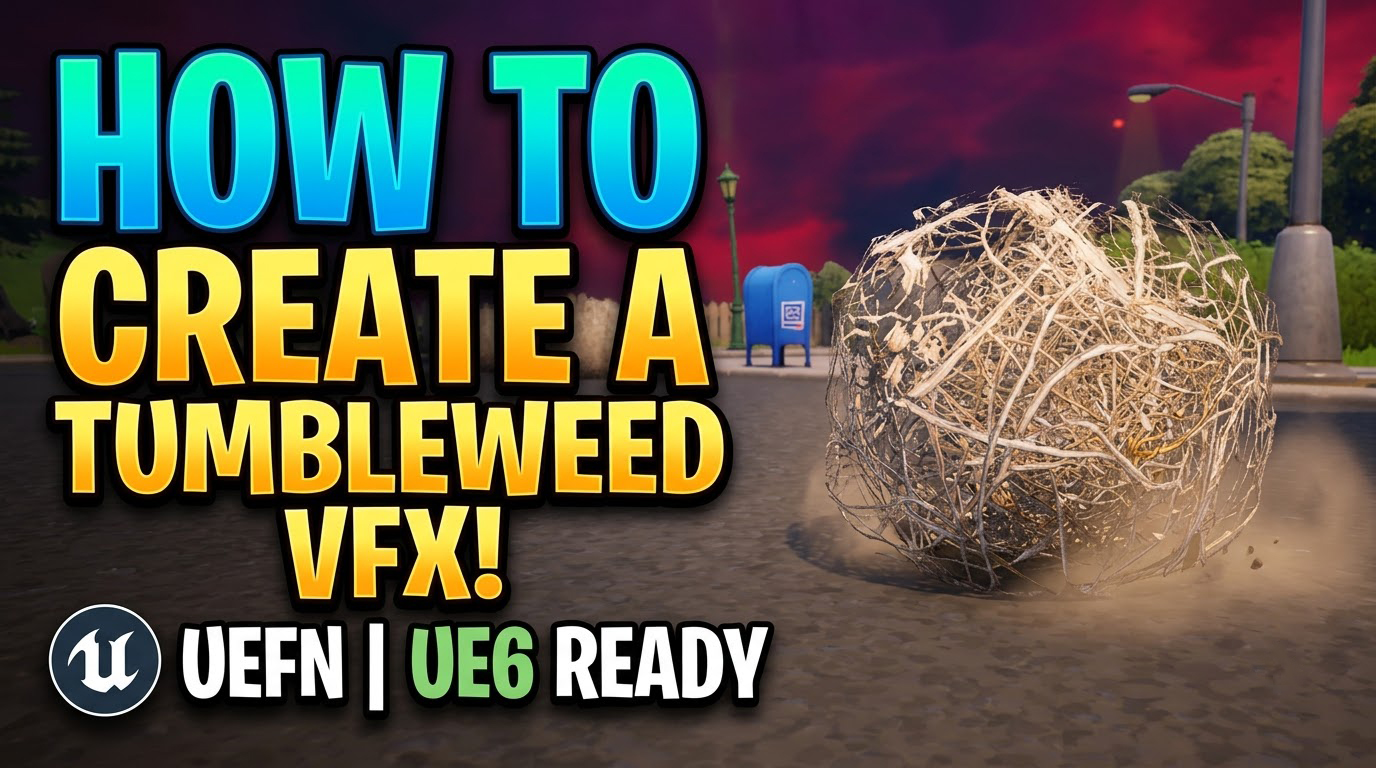

Rolling Tumbleweed VFX for UEFN
Tumbleweeds instantly sell an empty desert or Western town. In this UEFN tutorial, a low-poly branch-ball mesh with a two-sided masked material becomes a Niagara mesh particle, driven by linear velocity, wind drift and rotation so it rolls naturally across the terrain.
Niagara collision with friction and damping adds small bounces over bumps, while randomized rotation axis, speed and scale keep each tumbleweed different. Culling and low-cost mesh rendering keep the loop light for Fortnite Creative islands.
More UEFN environment effects: UEFN God Rays · UEFN Pipe Steam Jet · UEFN Water Geyser
Full Tutorial – https://youtu.be/BK-Aw8yHh_c
In this UEFN VFX tutorial, learn how to create a stylized, dynamic Tumbleweed Simulation Effect step-by-step using Unreal Engine 5 Niagara, custom mesh cards, realistic rolling physics, and dynamic wind forces! 🌾🌵
This environmental effect is perfect for adding life, movement, and authentic atmosphere to desert environments, Western towns, desolate streets, or wasteland maps in Fortnite Creative. We cover the entire setup from custom static mesh assignment and material mask setup to realistic ground collision, angular velocity, and random size variations. This setup is fully optimized and UE6 Ready for seamless performance in any live island.
What You’ll Learn:
🌾 Tumbleweed Mesh & Material: Setting up a low-poly stylized branch ball mesh with two-sided masked opacity materials.
💨 Wind Force & Rolling Physics: Configuring linear velocity, natural wind drift, and rotational forces so particles roll authentically across terrain.
⚙️ Ground Collision & Bouncing: Implementing Niagara collision modules with friction, damping, and subtle vertical bounces over bumps.
🎲 Randomization & Scale: Using Niagara dynamic parameters to randomize rotation axis, travel speed, and scale variations for natural clumping.
🚀 UEFN & UE6 Optimization: Real-time particle culling and low-cost mesh rendering techniques for clean environmental loops.
Fab – https://www.fab.com/sellers/CGHOW
Course – https://youtu.be/DZnuHK1Wckc
Join Membership – https://www.youtube.com/cghow/join
What is Membership – https://youtu.be/XBWcQ0k4UR4
Patreon Tier for Files – https://youtu.be/MzIjYshea6g
All Link – https://linktr.ee/cghow
#UnrealEngine #UE5Niagara #UE5
Leave a Reply