

Full Tutorial – https://youtu.be/9aeqYcu1G4M
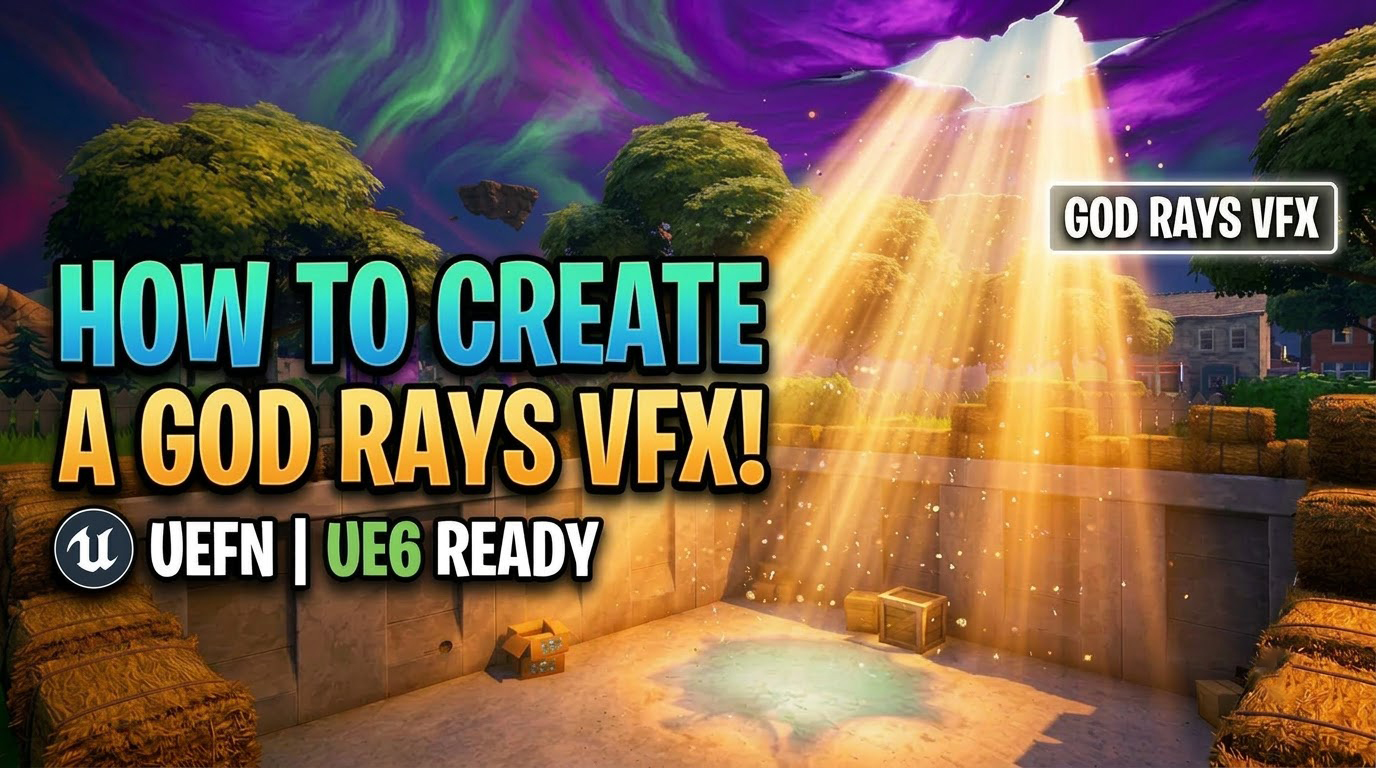
In this UEFN VFX tutorial, learn how to create realistic Volumetric God Rays (Light Beams) step-by-step using custom mesh cards, dynamic depth-fade materials, and subtle floating dust motes in Unreal Engine 5 Niagara! ☀️✨
This environmental lighting effect dramatically upgrades the visual fidelity and cinematic atmosphere of your custom Fortnite Creative maps without expensive volumetric fog passes, making it completely optimized and UE6 Ready.
🎯 What You’ll Learn:
☀️ Light Beam Mesh & Material: Designing tapered beam meshes with soft Fresnel falloff and dynamic Depth Fade to eliminate harsh surface clipping.
✨ Niagara Dust Mote Particles: Setting up microscopic floating motes with gentle curl noise turbulence inside the light shaft.
🎨 Atmospheric Color Controls: Easy material instance parameters for dawn, golden hour, and mystical night beams.
⚙️ UEFN & UE6 Optimization: Maximum visual punch with minimal shader complexity and zero overdraw spikes.
Fab – https://www.fab.com/sellers/CGHOW
Course – https://youtu.be/DZnuHK1Wckc
Join Membership – https://www.youtube.com/cghow/join
What is Membership – https://youtu.be/XBWcQ0k4UR4
Patreon Tier for Files – https://youtu.be/MzIjYshea6g
All Link – https://linktr.ee/cghow
#UnrealEngine #UE5Niagara #UE5
Leave a Reply